📸 Best Camera Presets & XML Configs
The Nothing Phone series packs some incredible camera hardware. But to truly unlock their maximum potential for astrophotography, portraits, and low-light shots, you need the right software tweaks.
Welcome to the Camera Presets Playground on Nothing Space—your ultimate destination for custom XML configurations tailored for Nothing OS.
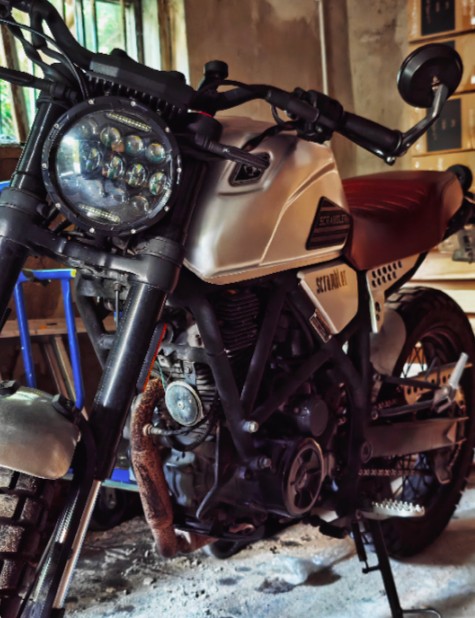
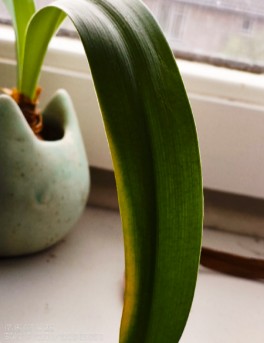
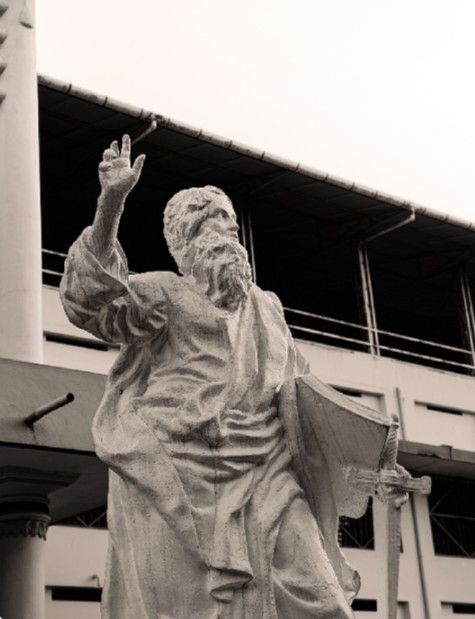
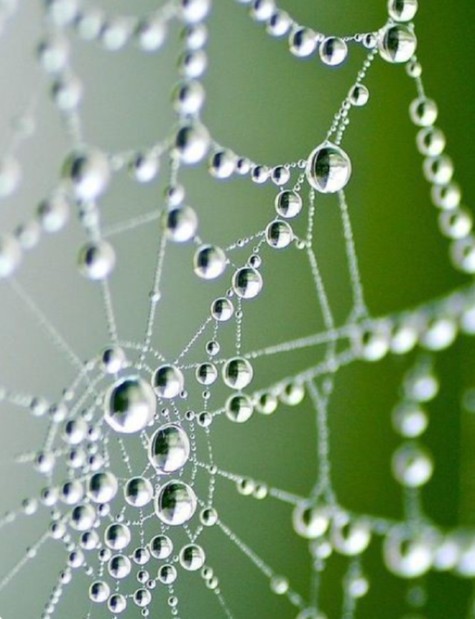
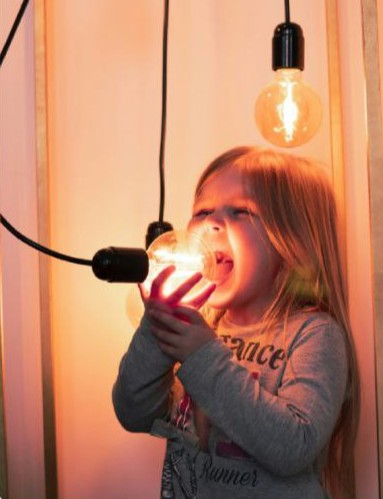
🖼️ Sample Shots (Using Presets)
🌟 What Are Camera Presets (XMLs)?
If you use advanced camera ports (like Google Camera/GCam) on your Nothing device, you know that the default settings aren't always perfect. An XML Camera Preset is a pre-configured settings file created by community developers.
When you load this file, it instantly adjusts hundreds of hidden camera parameters (like noise reduction, HDR+ frames, saturation, and edge detection) to perfectly match your specific Nothing Phone's lens architecture.
🛠️ Why You Need Custom Presets
Perfect Skin Tones
Eliminate the artificial "whitening" or over-saturation often found in stock image processing.
Cinematic Portraits
Achieve a DSLR-like natural bokeh (background blur) with flawless edge detection around hair and glasses.
Nightscape & Astro
Capture the Milky Way with specially tuned long-exposure presets optimized for low-light sensors.
Macro Brilliance
Get incredibly sharp close-ups and details without the image falling apart or getting noisy.
📥 How to Apply XML Presets on Your Device
- Visit the Playground section on Nothing Space.
- Download the
.xmlpreset file designed for your specific phone model (e.g., Phone 2a vs Phone 1). - Open your File Manager and navigate to your internal storage.
- Create a folder structure for your specific camera app (For GCam, it's usually
GCam/Configs8orGCam/Configs9). - Move the downloaded
.xmlfile into this new folder. - Open your camera app, double-tap the black area next to the shutter button, and select your preset from the dropdown to import it. The app will restart with the new optimized settings!
💡 Take Your Setup Further: Once you've captured the perfect photo, use our File Drop tool to share it anonymously!
Visit Nothing Space Hub