🎨 Cinematic AI Portrait Gallery
Explore stunning, ultra-realistic black and white AI generated portraits. Scroll down to visit our main hub and discover how to create these styles yourself.
🖼️ Featured Styles
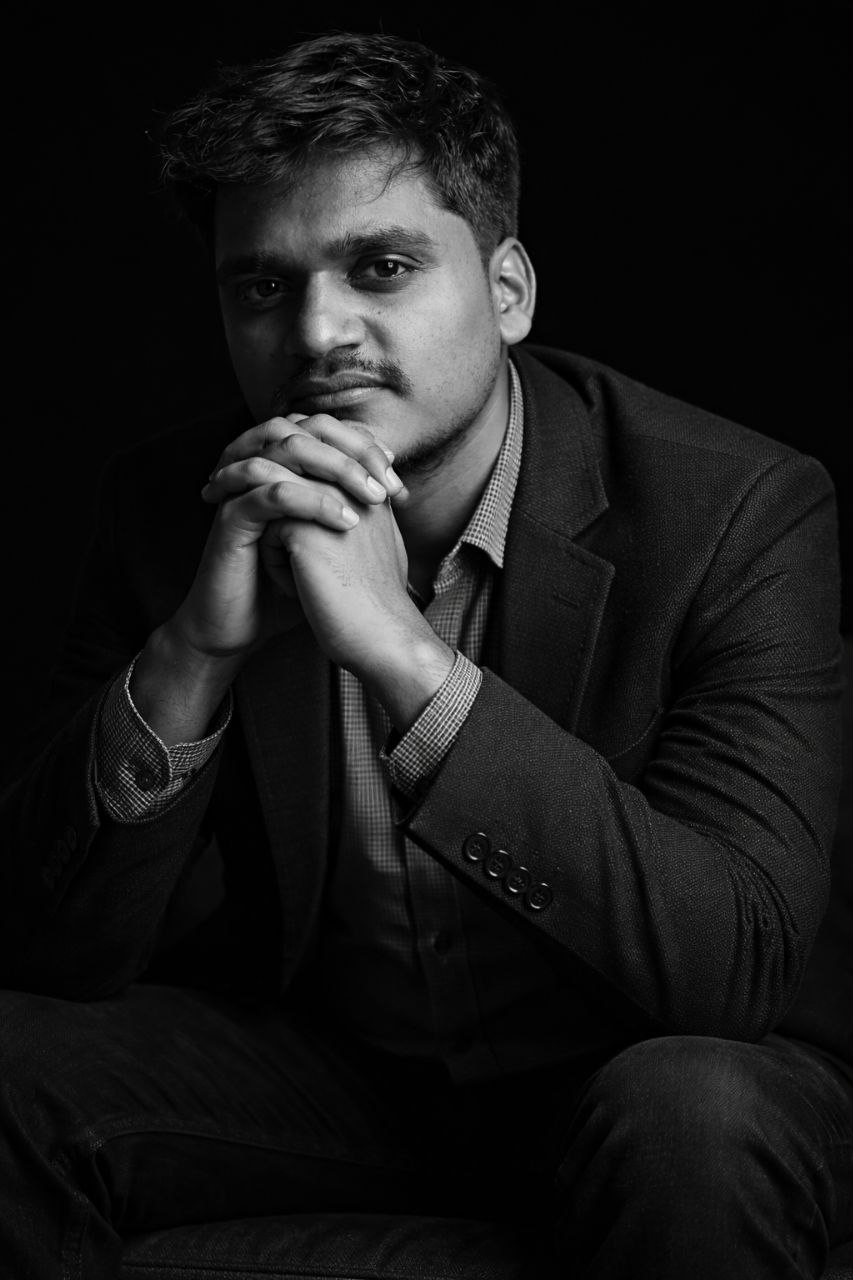
THINKER PORTRAIT
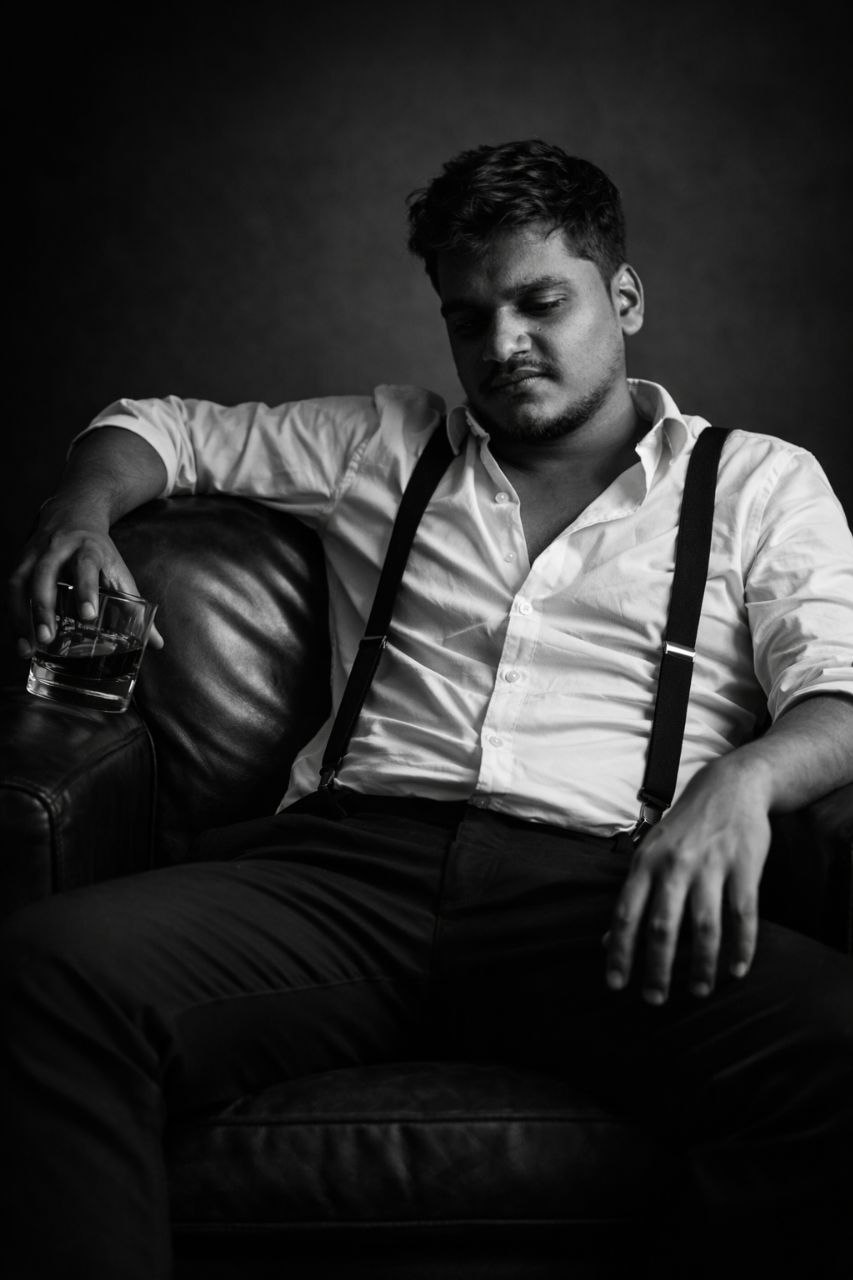
LEATHER CHAIR
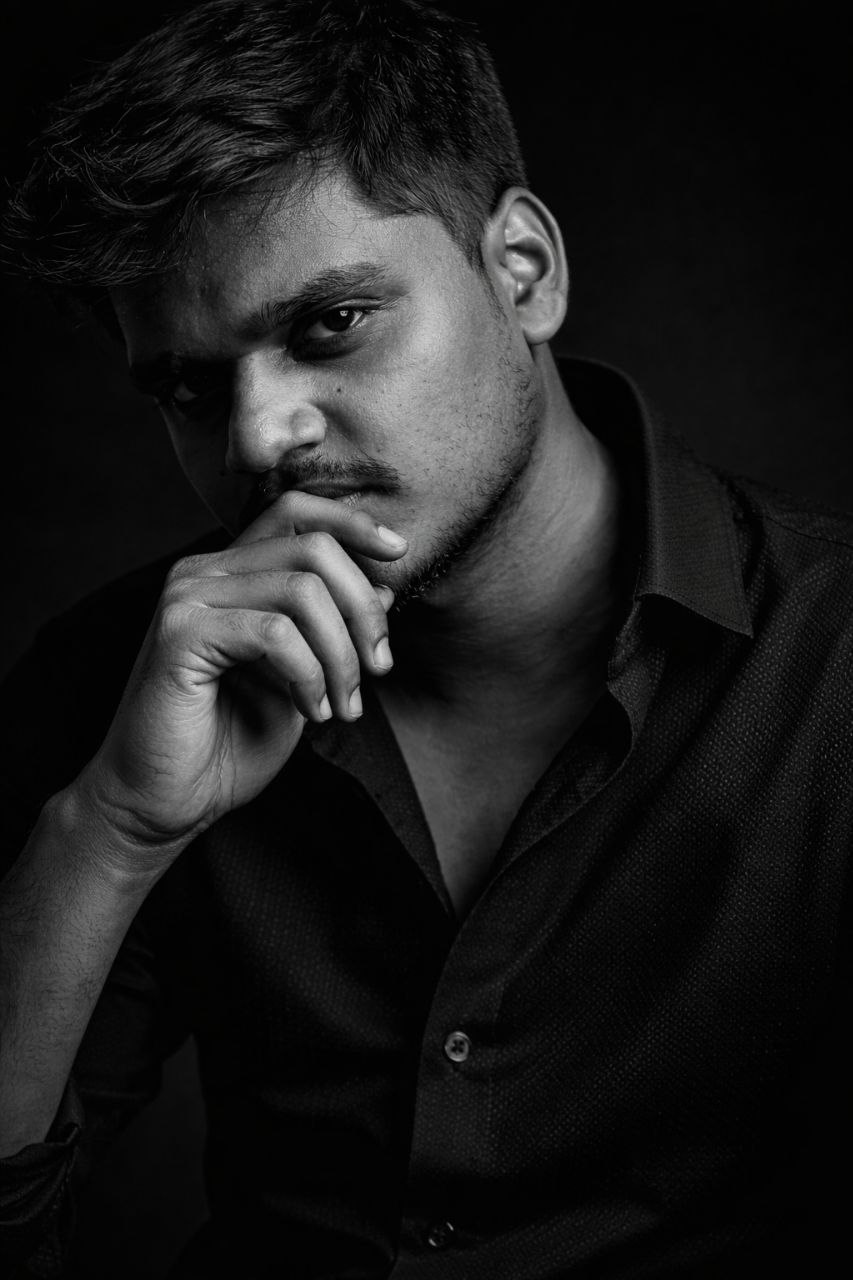
MOODY CLOSEUP
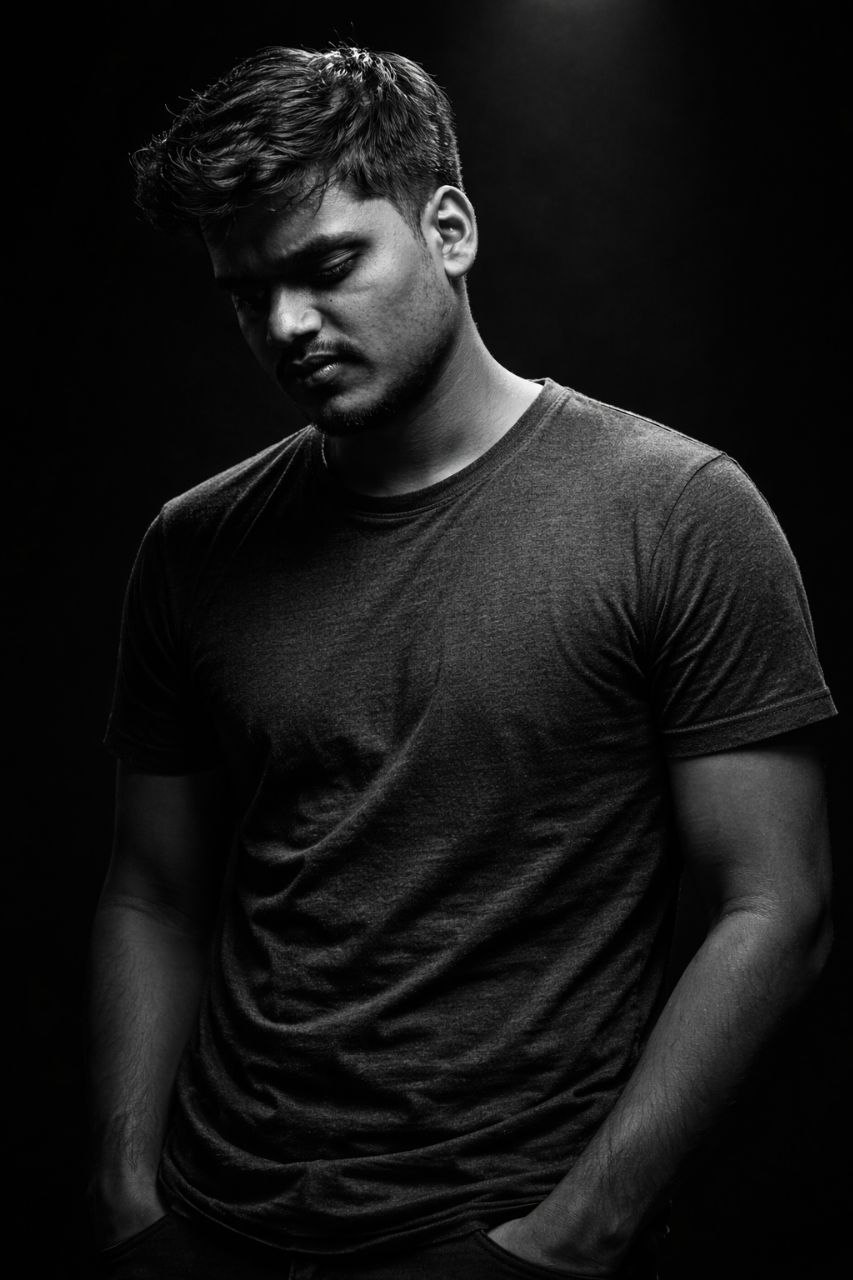
SINGLE SPOTLIGHT
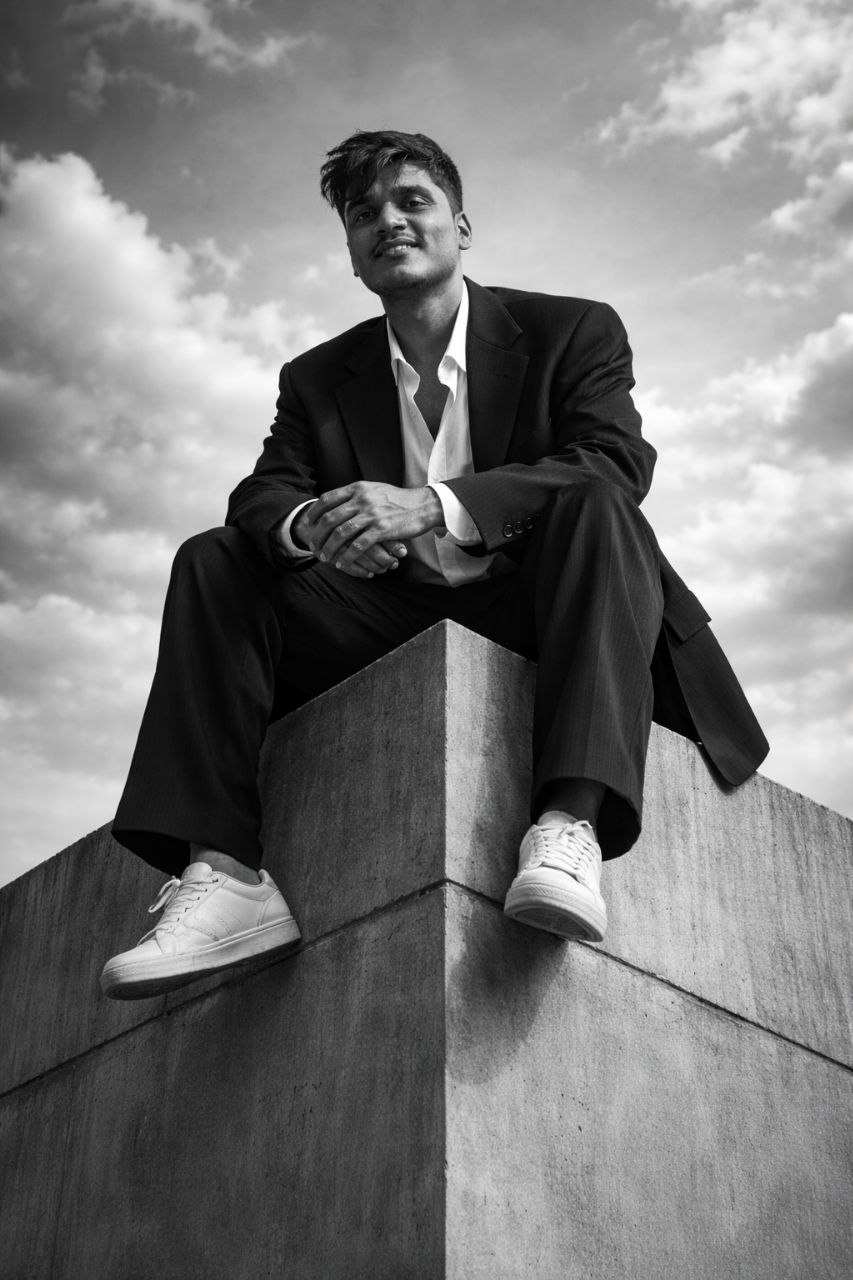
URBAN EDGE
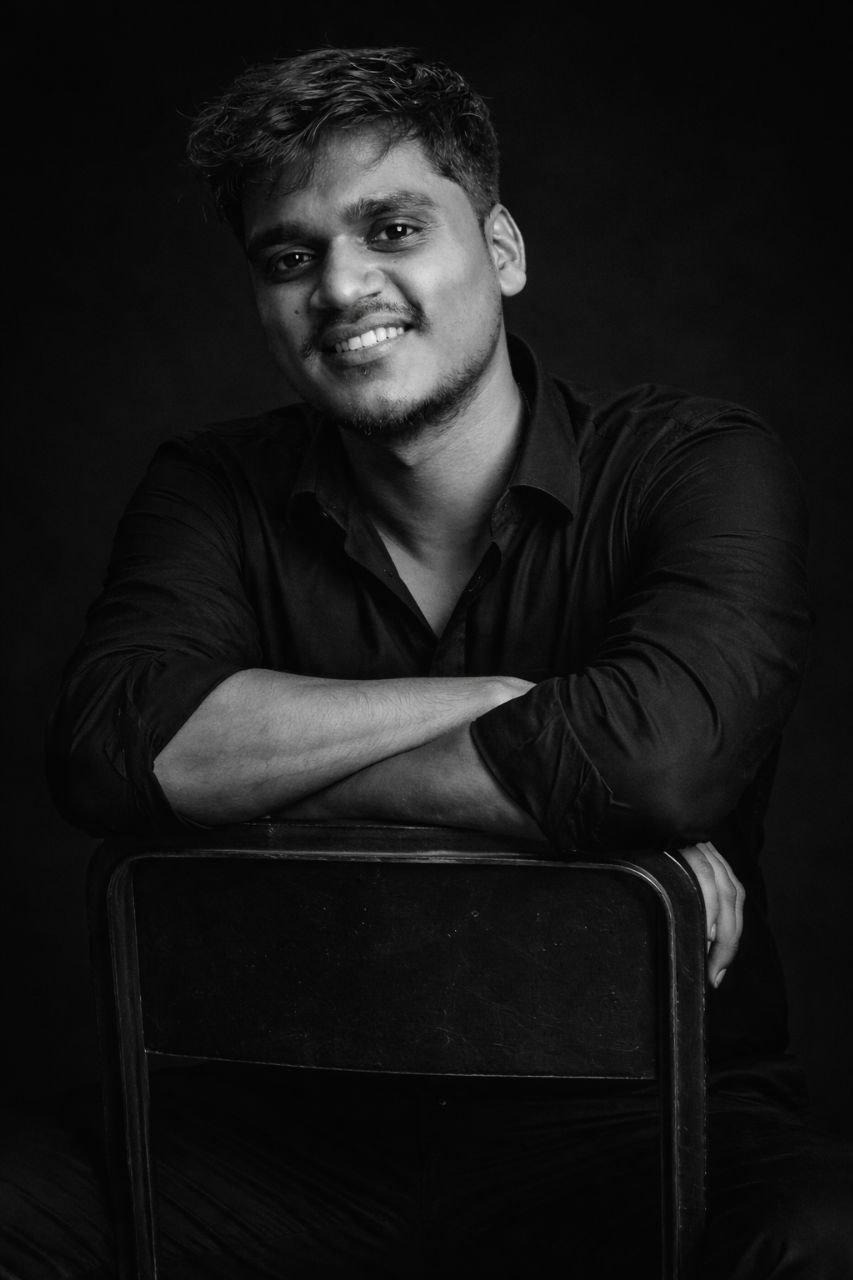
REVERSE PORTRAIT
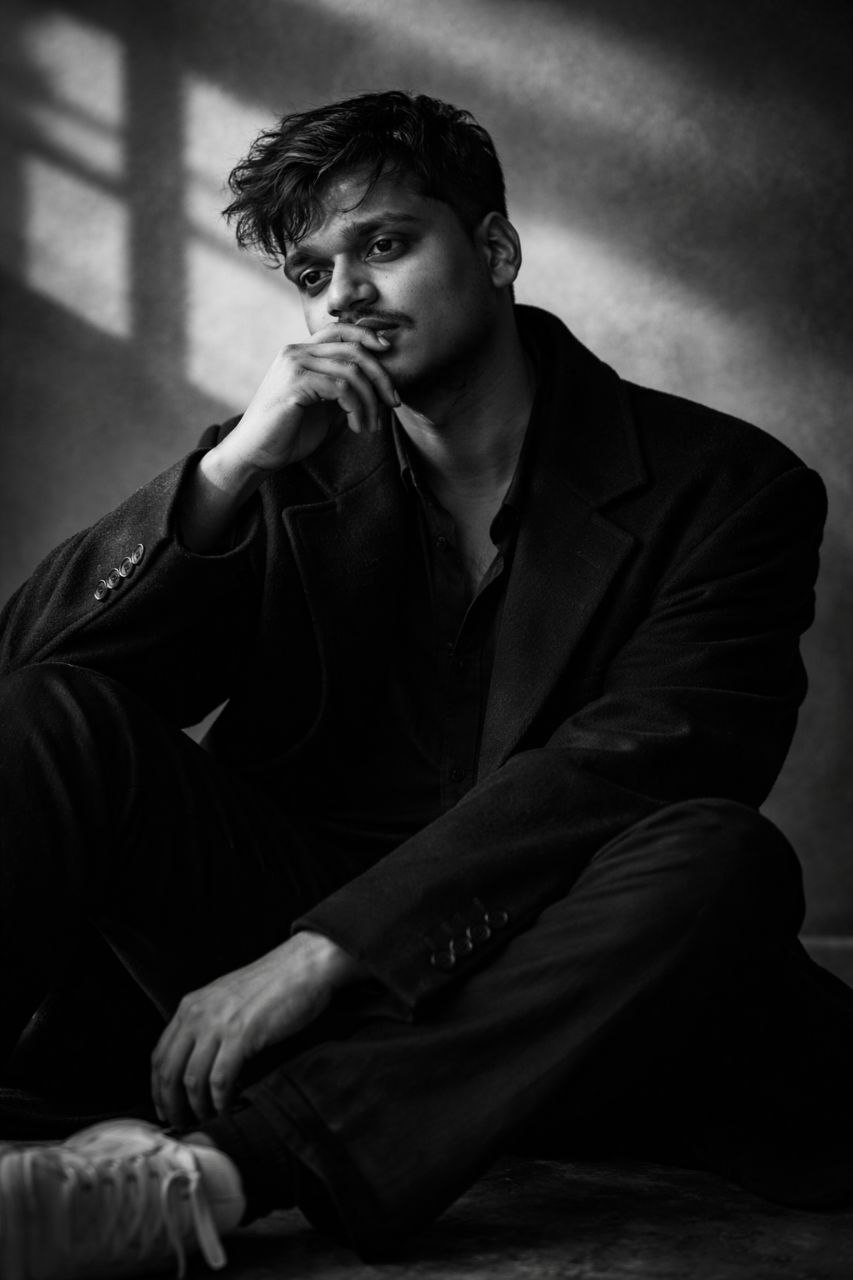
OVERSIZE COAT
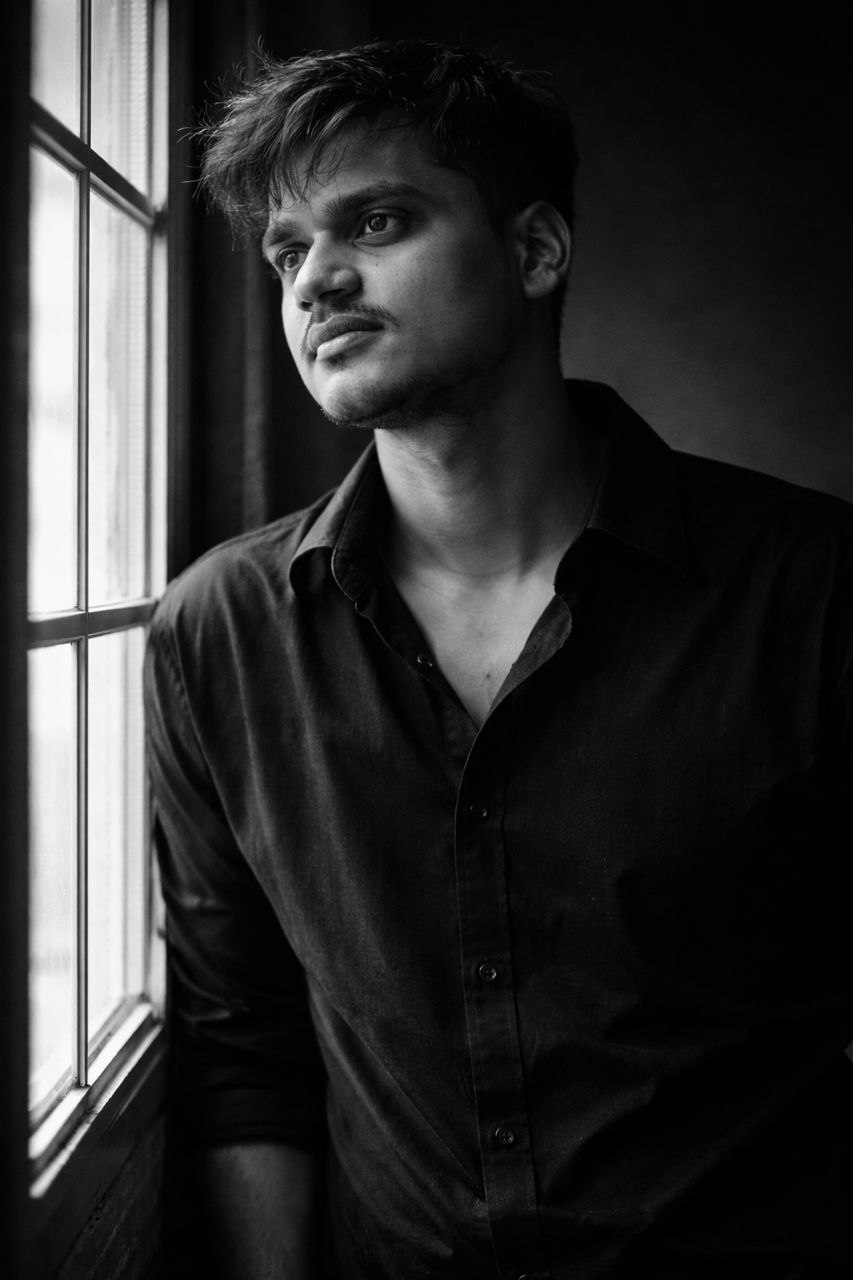
WINDOW CANDID
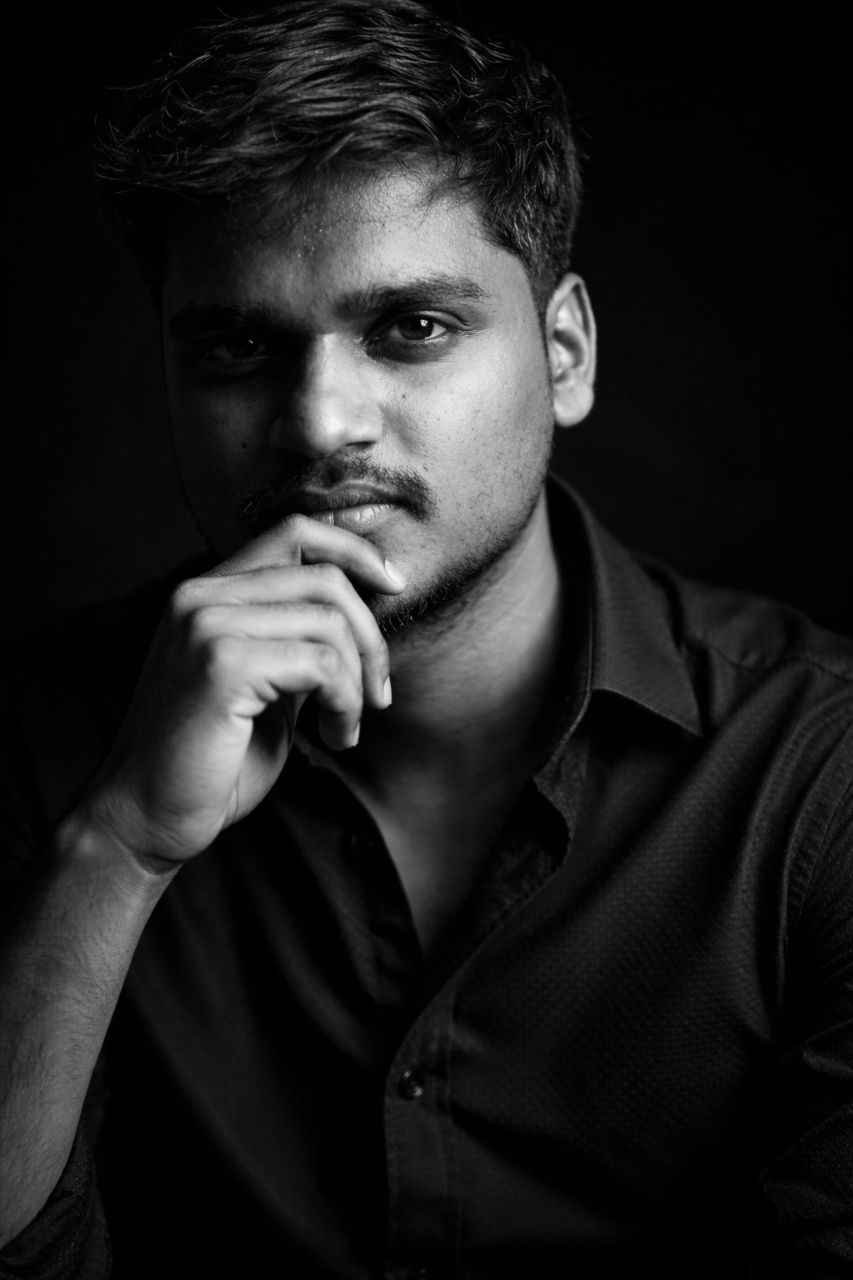
FILM NOIR
🌟 What Are AI Prompts?
If you use advanced AI Image Generators (like Midjourney, Stable Diffusion, or DALL-E), you know that the text input matters heavily. An AI Prompt is a highly detailed set of instructions created to guide the AI's generation process.
When you use these meticulously crafted texts, it instantly adjusts the output's lighting parameters, camera angles, textures, and mood to perfectly match a professional studio shoot.
🛠️ Why Use Custom Prompts?
Cinematic Lighting
Ensure perfect high-contrast studio setups, rim lighting, and directional highlights.
Ultra-Realistic Details
Achieve a DSLR-like texture quality with flawless facial features and clothing materials.
Moody & Introspective
Direct the exact pose, expression, and background vibe (like film noir) for dramatic effects.
Reference Consistency
Keep the subject's face identical across different environments using reference images.
📥 How to Use These Styles
- Browse the Gallery section above to find a style you like.
- Note the name of the style (e.g., "Thinker Portrait").
- Click the button below to visit the Nothing Space Hub.
- Find the exact text prompt for your chosen style and copy it.
- If the tool supports reference images (like Midjourney's
--cref), upload your source face image. - Hit generate and enjoy your cinematic masterpiece!
💡 Want to unlock these styles? Visit our main hub to get the full presets and prompts!
Nothing Space Ai Prompts