Nothing Space
Built Together For Nothing And CMF Users
Nothing Space is the ultimate, all-in-one centralized hub explicitly engineered for the Nothing and CMF ecosystem. Explore our vast library of Depth Effect KLWP themes, localized service centre information, AI-generated wallpapers, pristine ringtones, developer tools, complete firmware archives, OTA ZIP updates, professional camera presets, and much more.

📱 Supported Ecosystem Devices
Nothing Space provides dedicated tools, files, and resources for the following devices. We constantly update our repositories the moment a naye device drops.
- Nothing Phone (1): Firmware, OS 2.5/3.0 updates, Glyph integration tools.
- Nothing Phone (2): Flagship OTA updates, advanced camera presets, LTPO wallpaper optimization.
- Nothing Phone (2a) & (2a) Plus: Mid-range kings. Exclusive MediaTek optimized firmwares and setups.
- Nothing Phone (3) & (3a) Series: Next-gen flagship support, AI tools, and exclusive OS updates.
- Nothing Phone (4a) & (4a) Pro: Early access firmware, wallpapers, and comprehensive archives.
- CMF Phone 1 & CMF Phone 2 Pro: The modular masterpieces. Custom templates and OS updates.
- Audio Gear: Custom EQ settings for Nothing Ear (1), Ear (2), Ear (a), Ear (Open), and CMF Buds.
📌 Key Features & Modules
Explore the tools built for customization and performance.
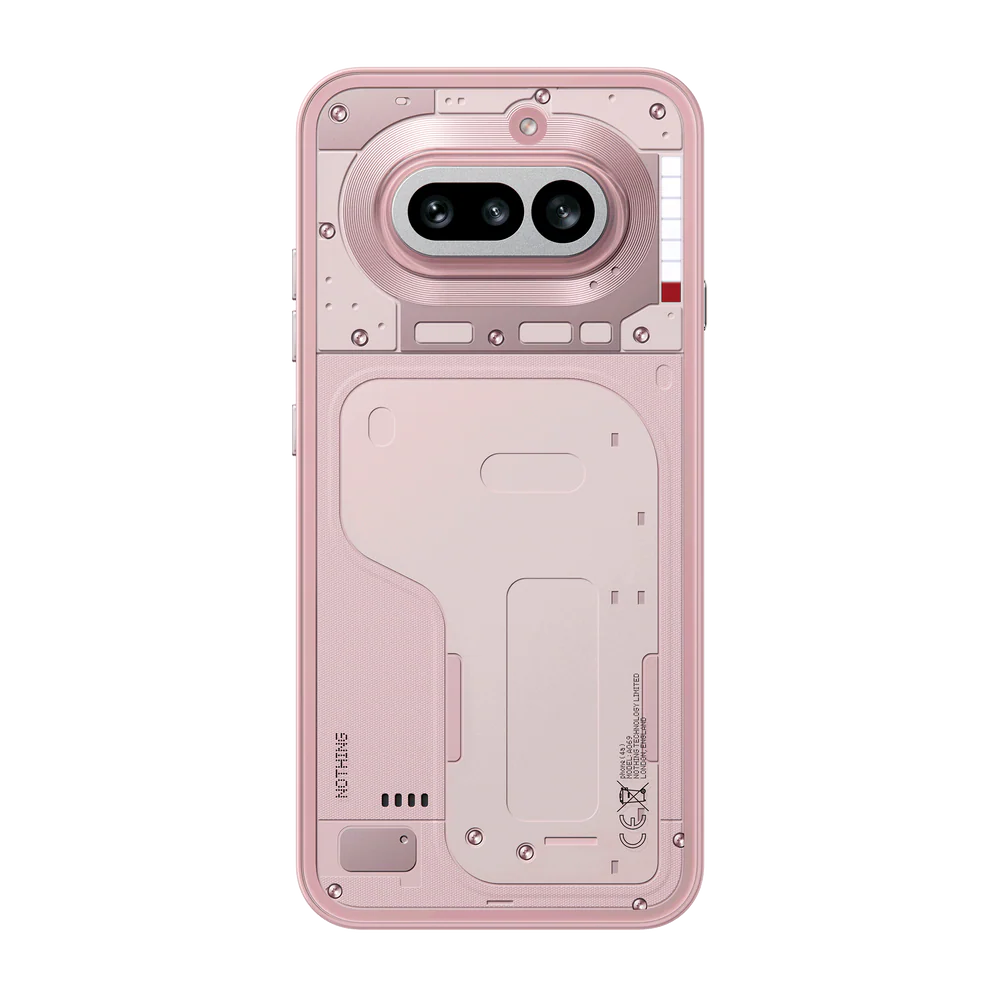
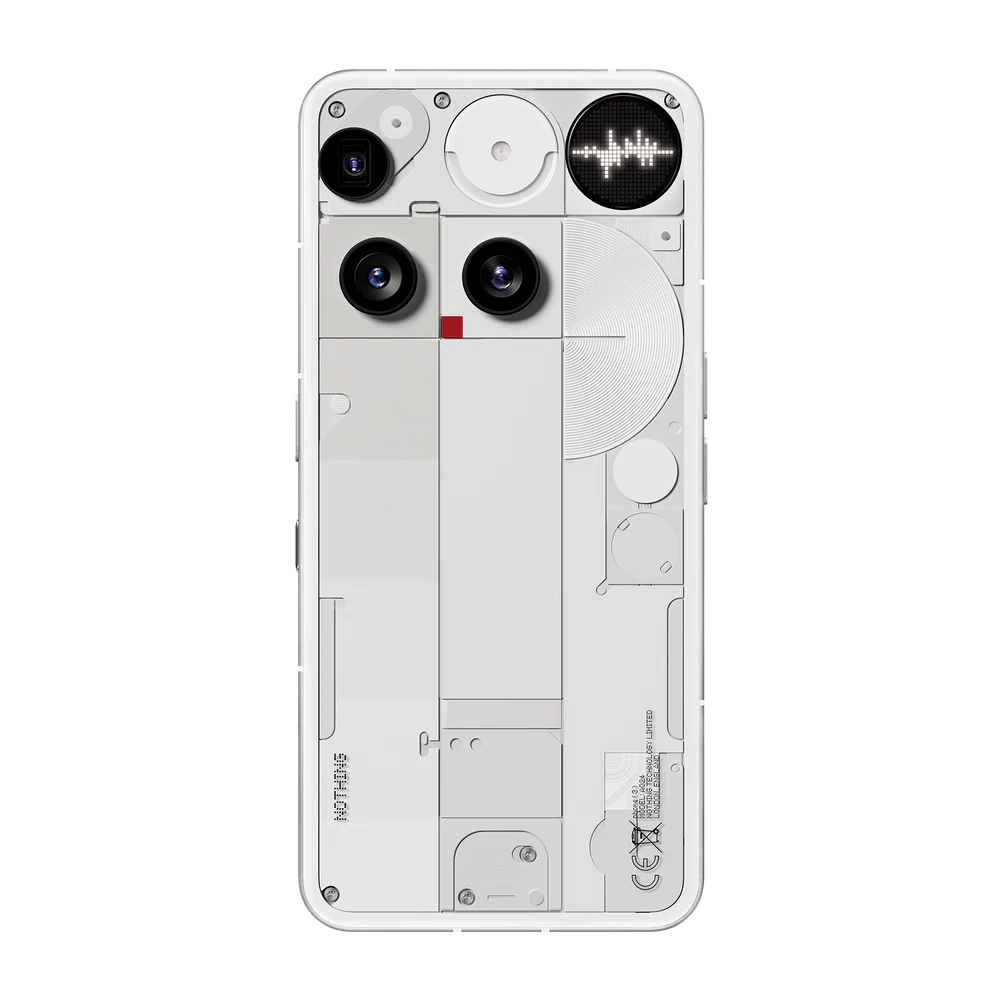
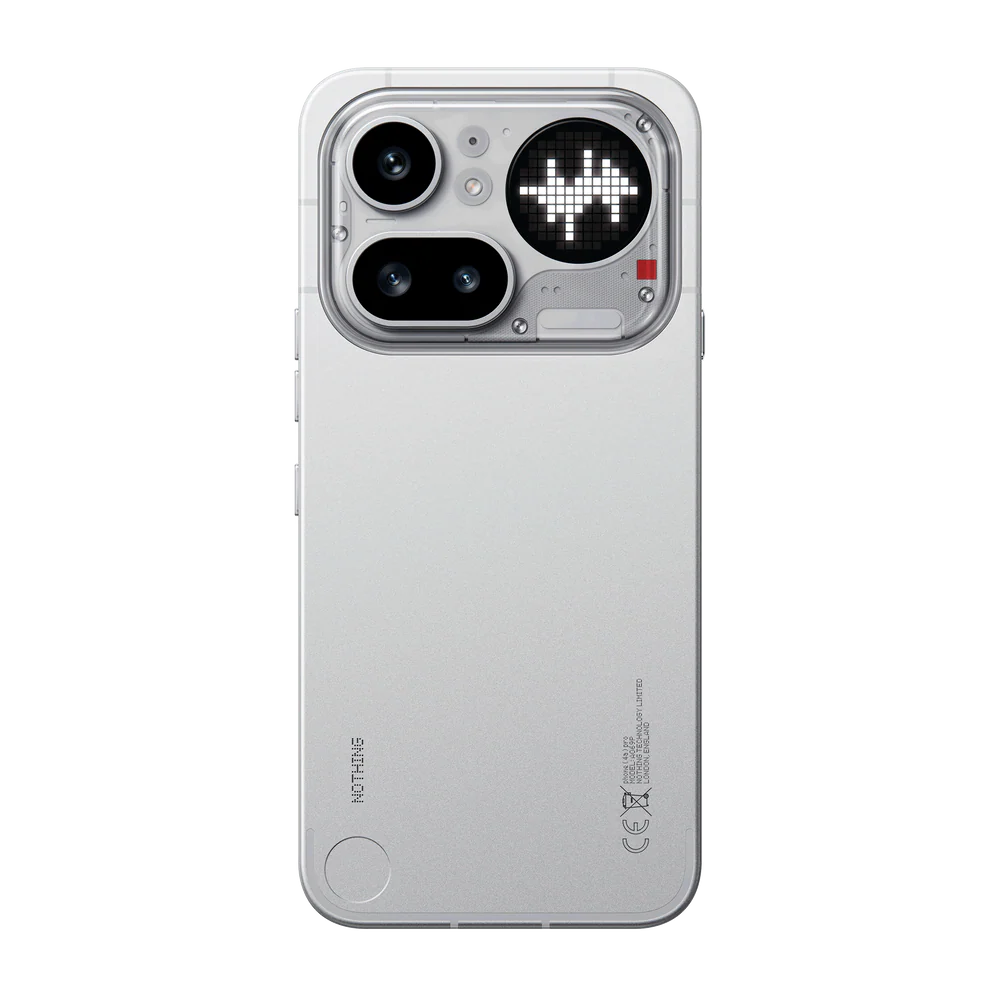
Nothing Products
Explore the complete Nothing ecosystem in one place. From our iconic smartphones to industry-leading audio gear and limited-edition apparel, find everything you need to upgrade your tech lifestyle. Every product is designed with our signature transparent aesthetic and a focus on making tech fun again.
.jpg)
.jpg)
.jpg)
KLWP Depth Themes
EPremium iOS-style depth effects are now on Nothing OS! Transform your lock screen with KLWP themes and experience stunning 3D overlays. These themes are specifically optimized for the Nothing display, giving you a clean, high-end aesthetic look.
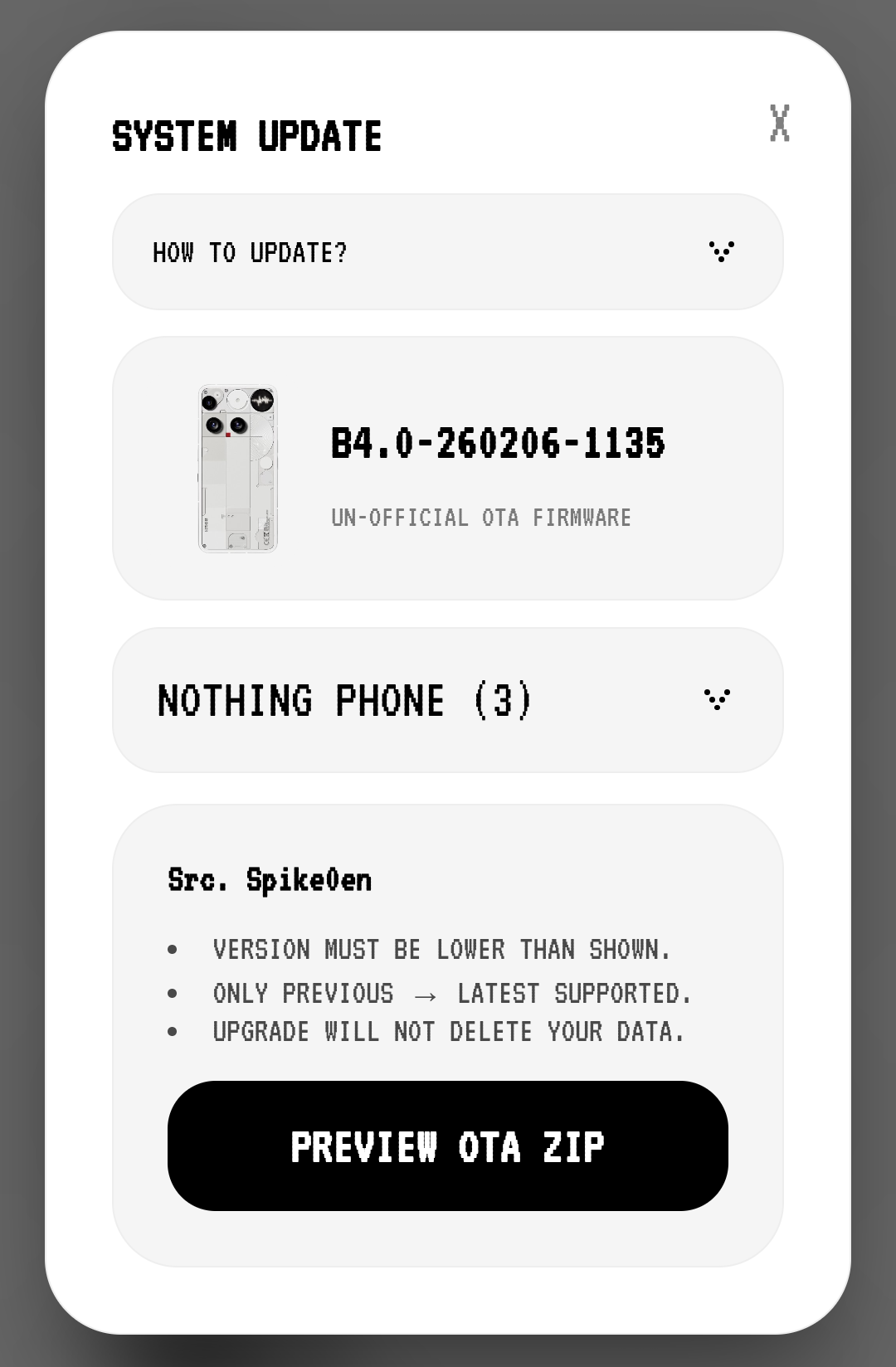
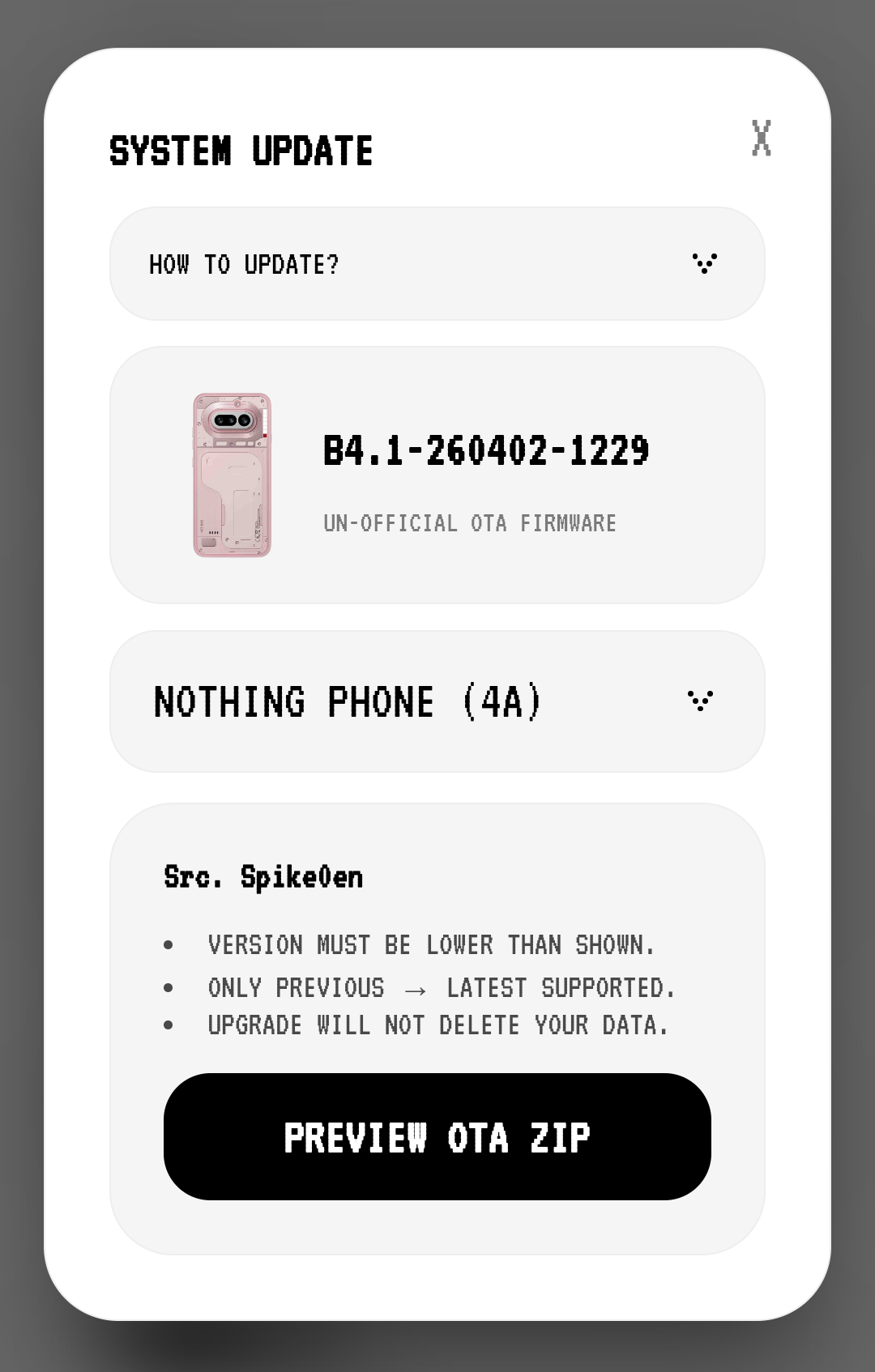
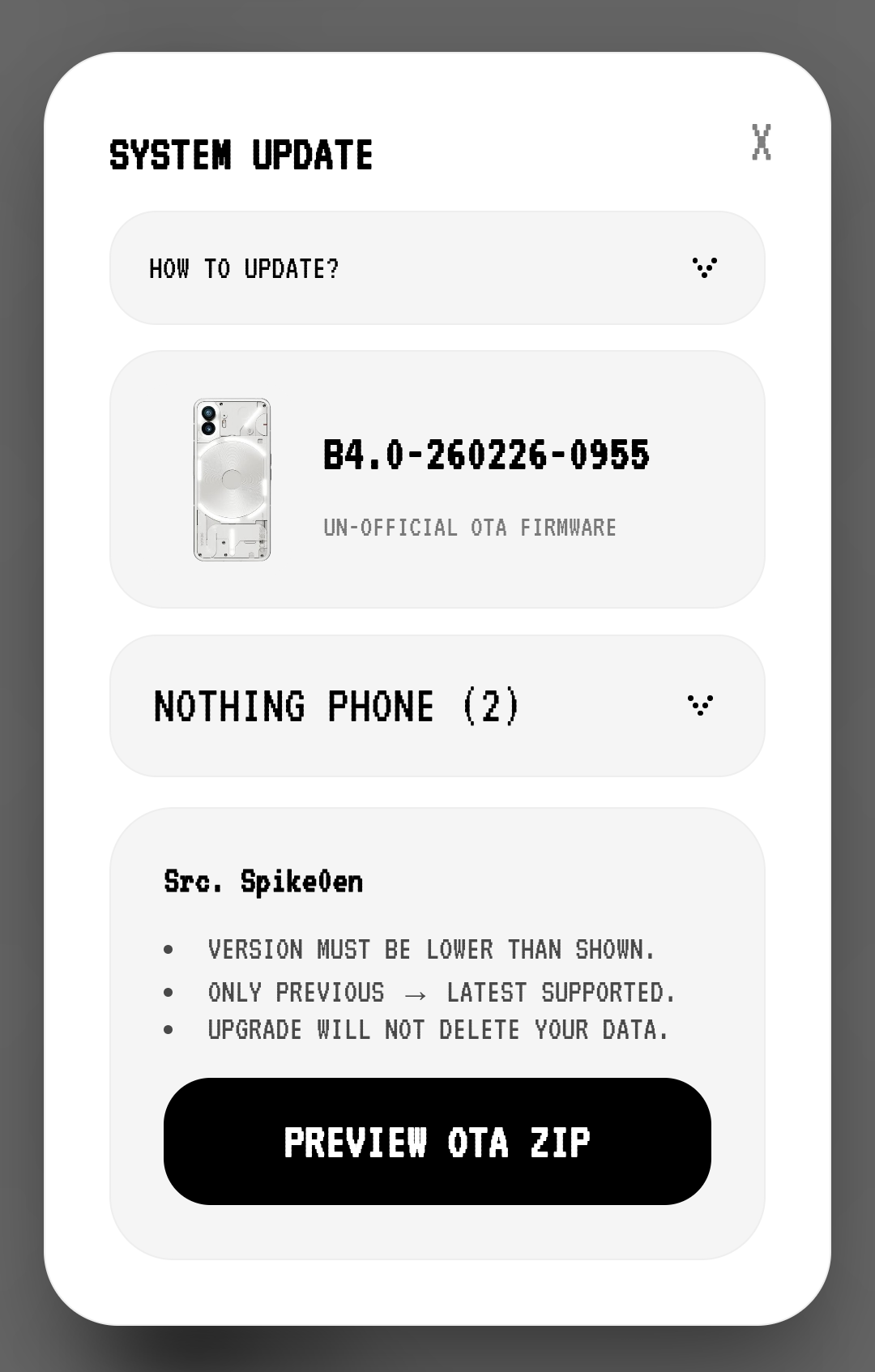
Firmware Update
Manual access to the latest firmware versions for Nothing and CMF devices. Ideal for users who haven't received the official OTA rollout and wish to upgrade. Press the bell icon to get notifications for new updates, so you don't have to check manually.
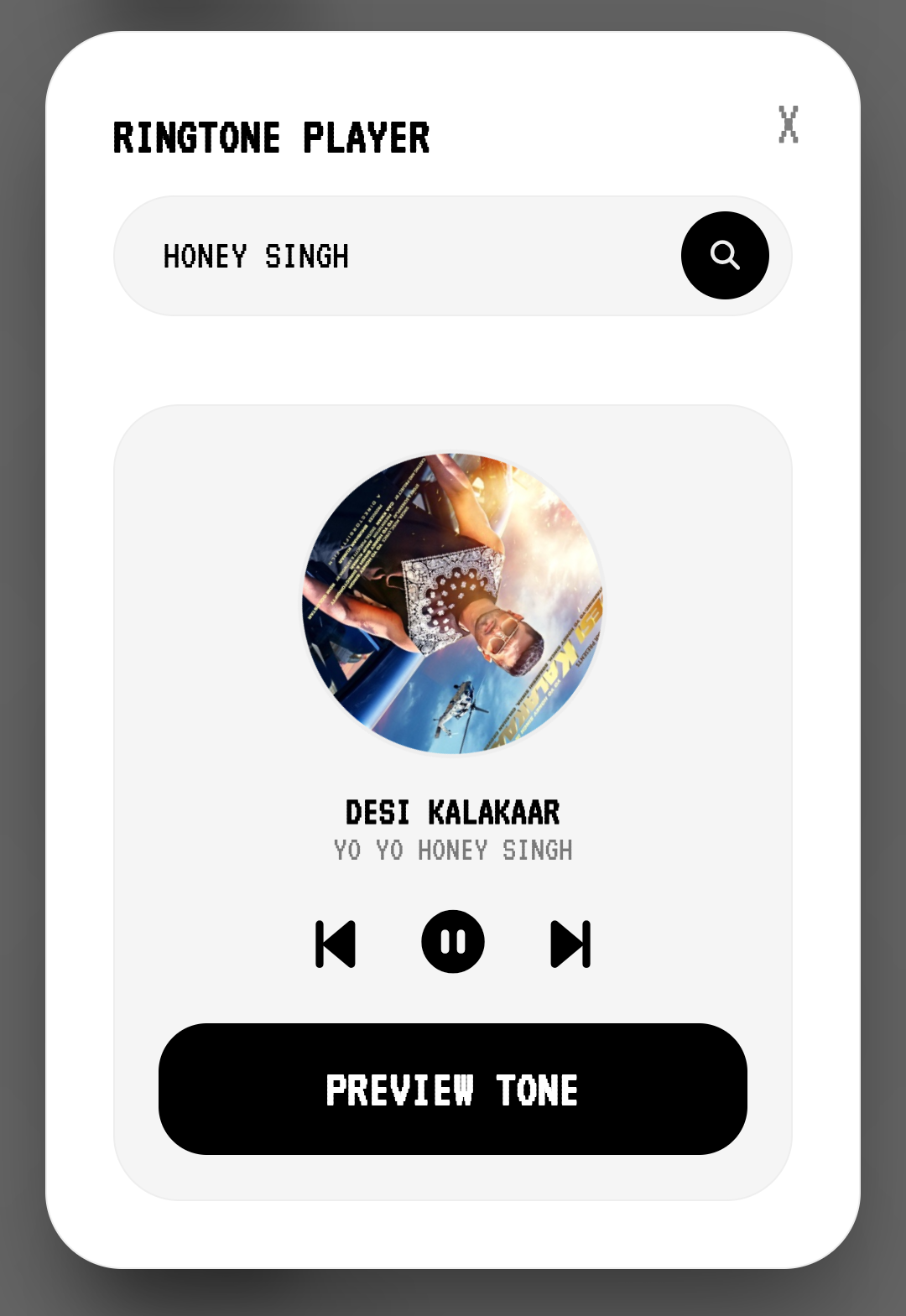
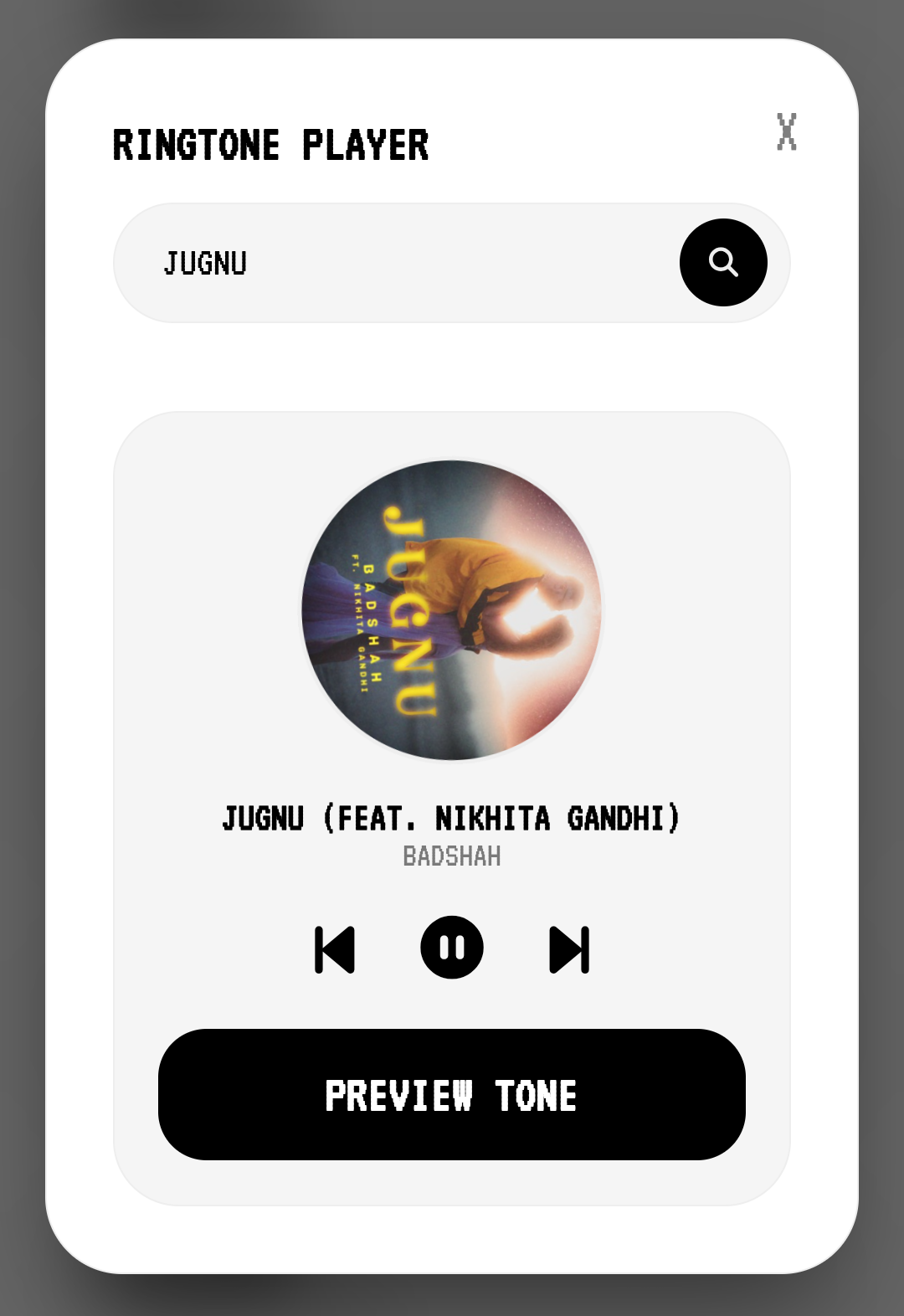
Smart Ringtone
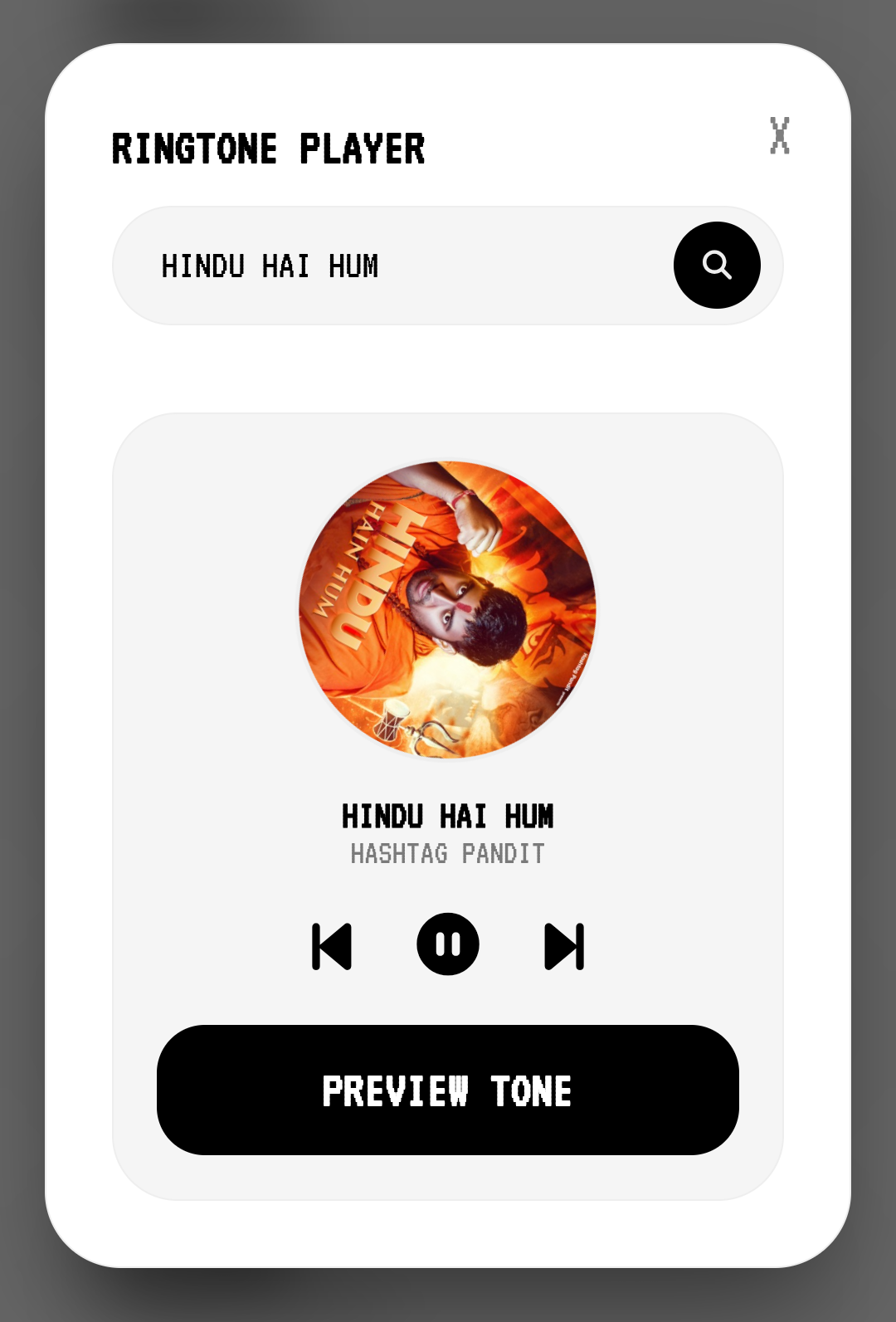
Instantly search, play, and download ringtones from movies, artists, or trends. Supports background playback and remains completely ad-free for a distraction-free experience with seamless navigation. Enjoy high-quality audio previews and one-tap downloads to personalize your phone in seconds.



AI Prompts
Elevate your creative projects by generating stunning, high-end cinematic portraits that look like movie stills. Explore our meticulously curated prompt gallery, specifically optimized for advanced AI tools like Midjourney and DALL-E. Whether you are looking for dramatic lighting, hyper-realistic textures, or ethereal vibes, our library provides the perfect foundation for your AI-generated masterpieces.
AI Wallpapers
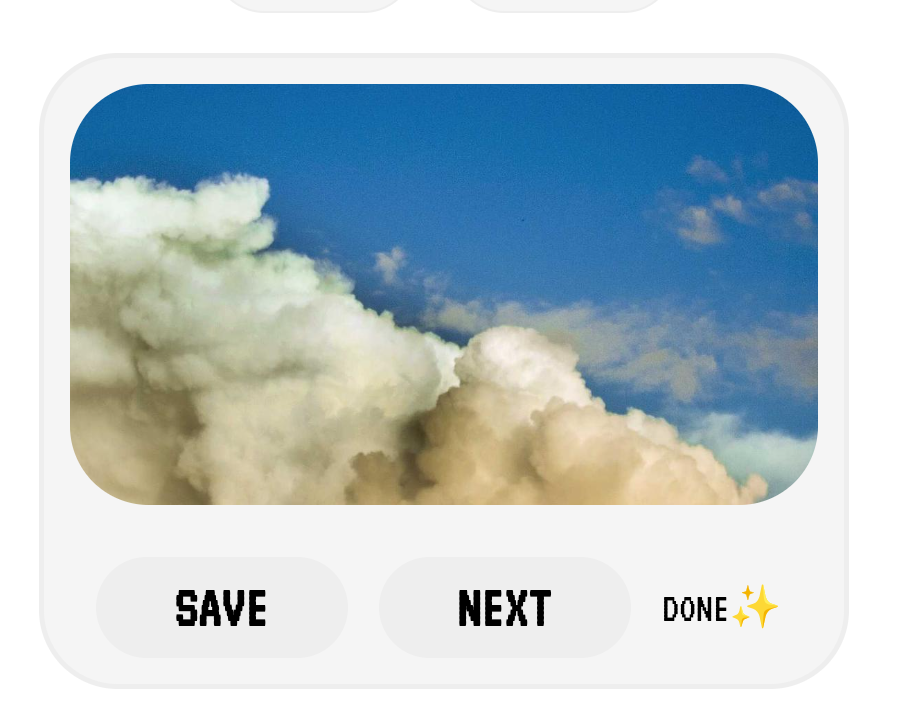
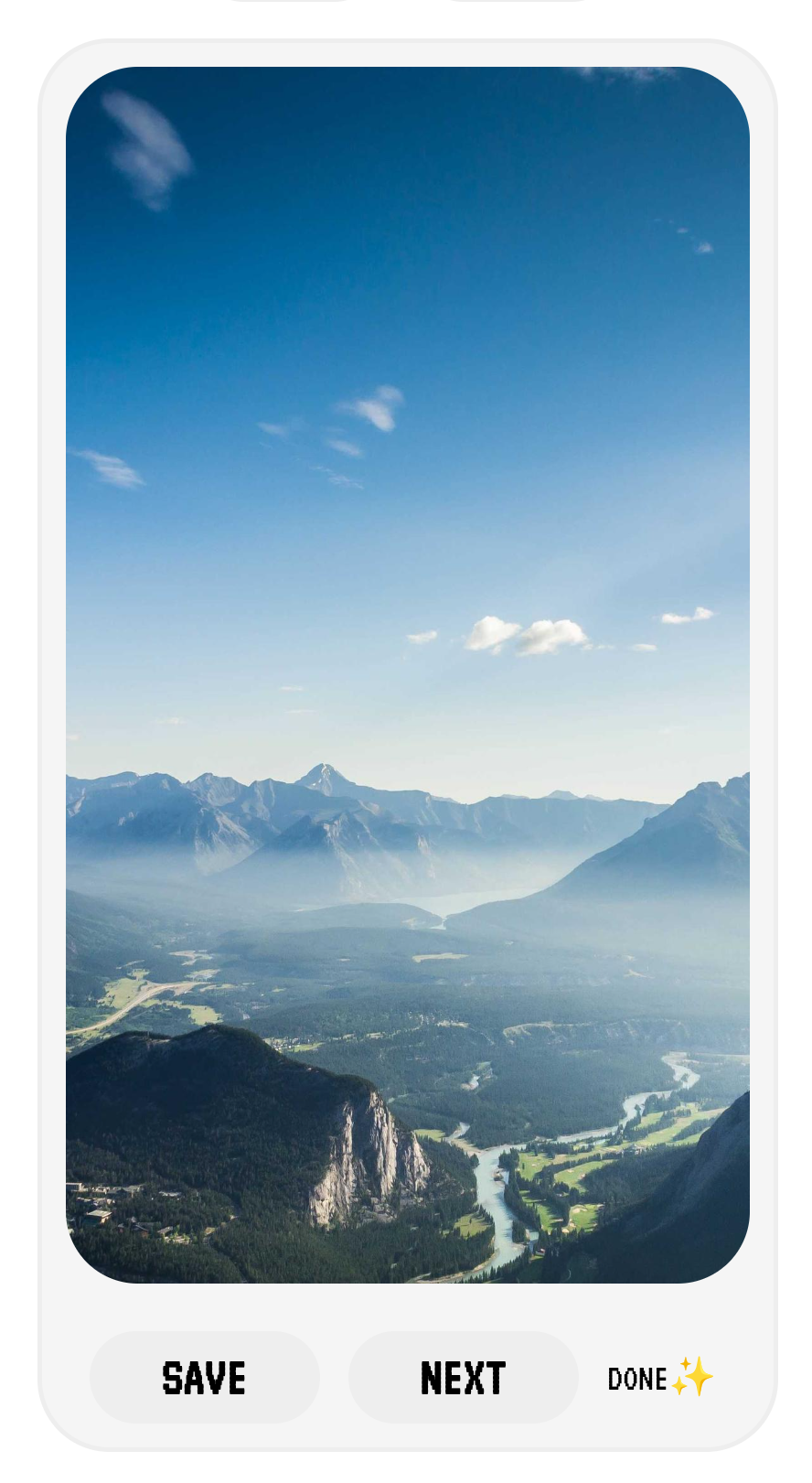
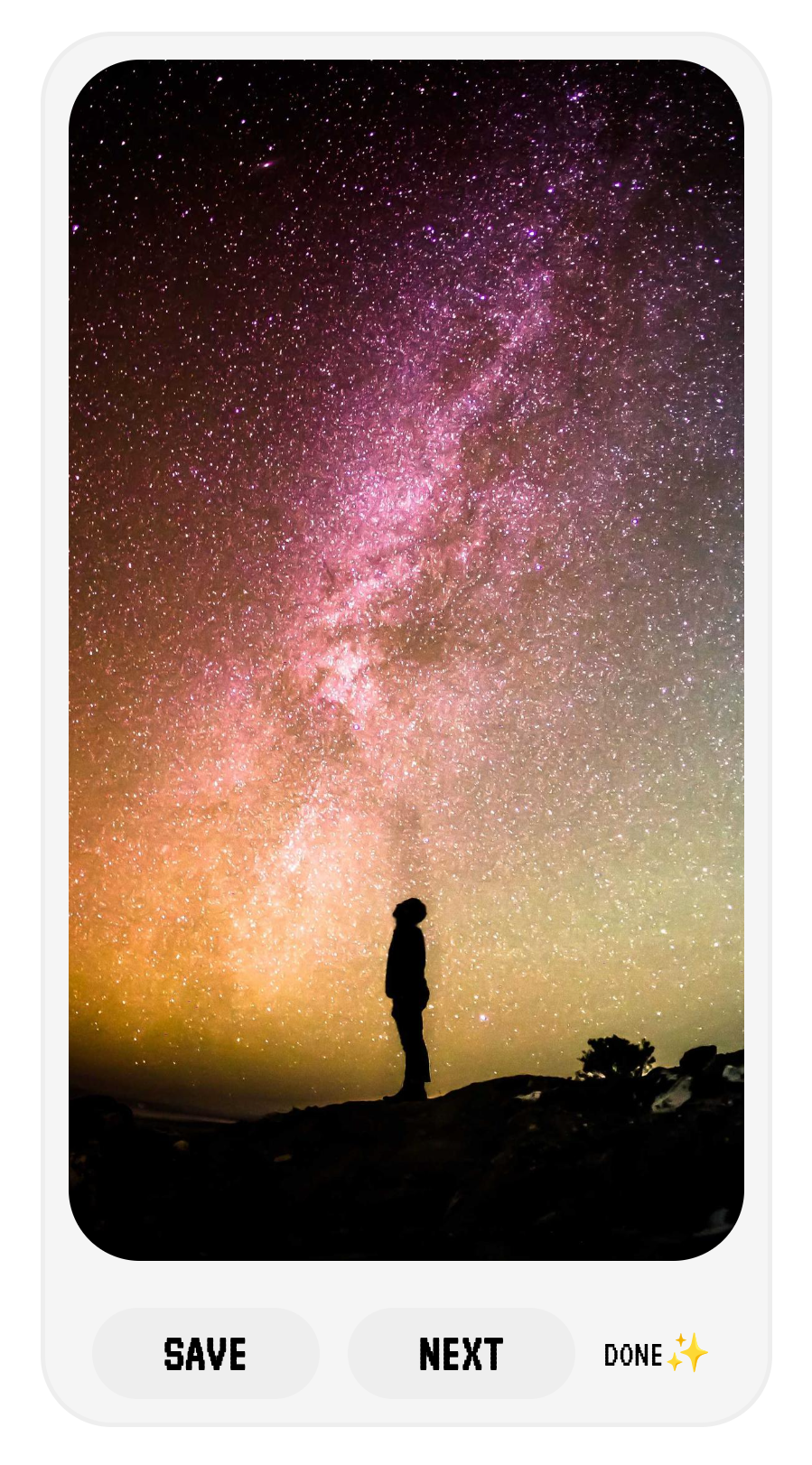
Unlock limitless creativity with our AI-powered engine that auto-generates unique, randomly inspired wallpapers tailored specifically for your style. Whether you need a sleek aesthetic for your mobile or a high-resolution masterpiece for your desktop, our tool creates pixel-perfect designs on demand. No more scrolling through the same old images—get a one-of-a-kind background that truly reflects your personality.


Depth Wallpapers
Find high-quality, free HD wallpapers for your desktop, Mac, Windows, or Android devices. Explore our massive collection featuring diverse categories like breathtaking nature, creative abstract art, minimalist designs, and much more to give your screen a fresh new look.
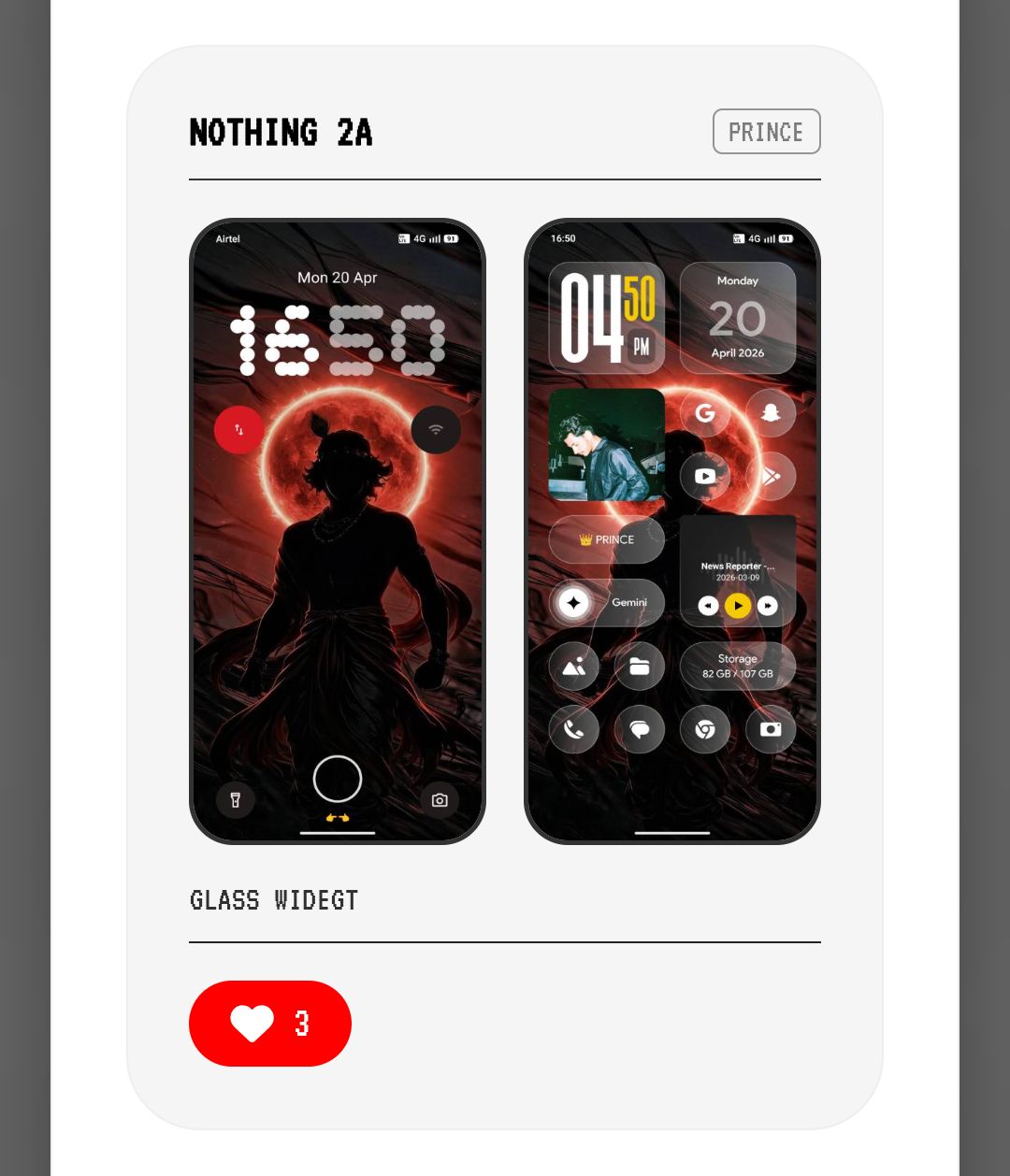
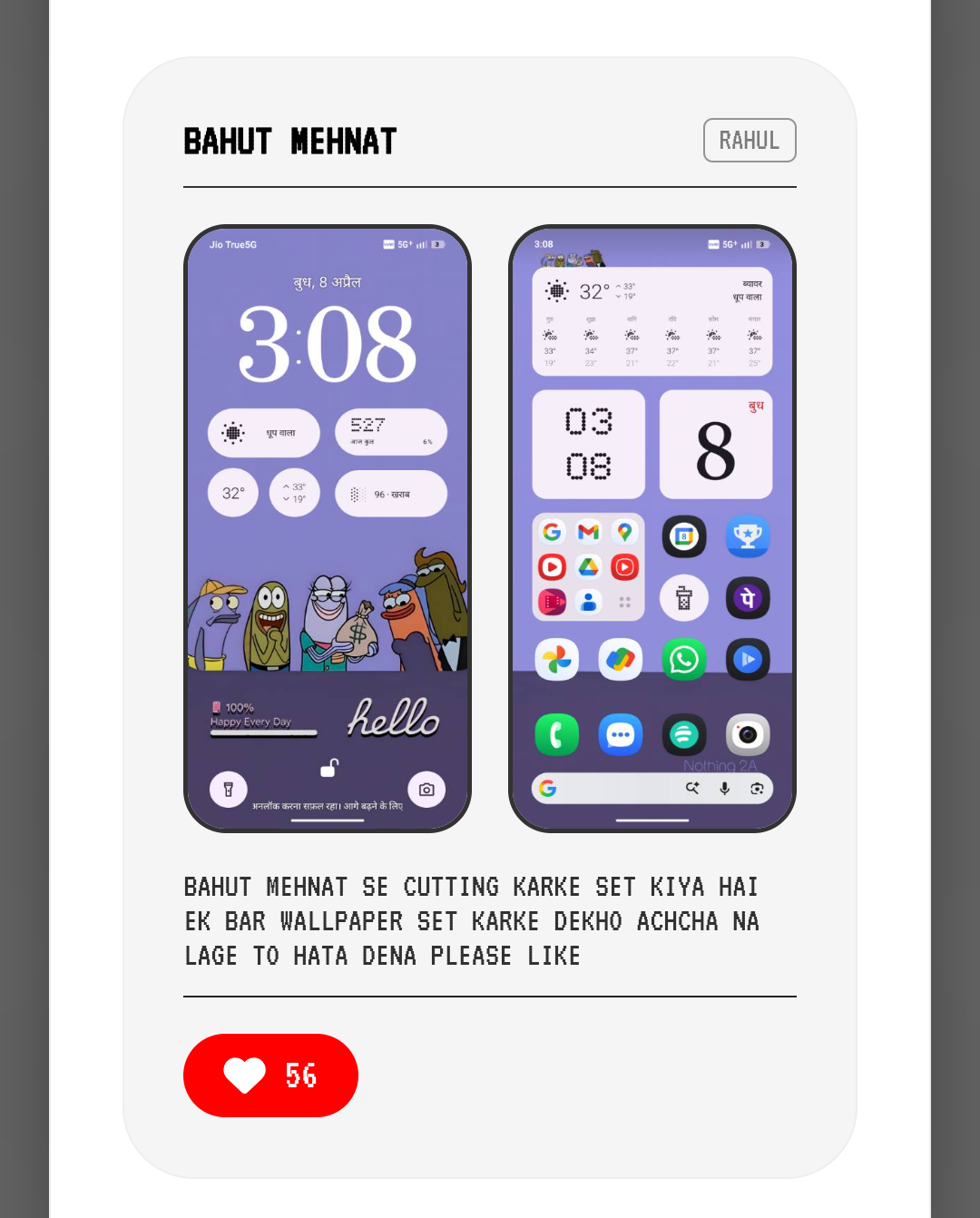
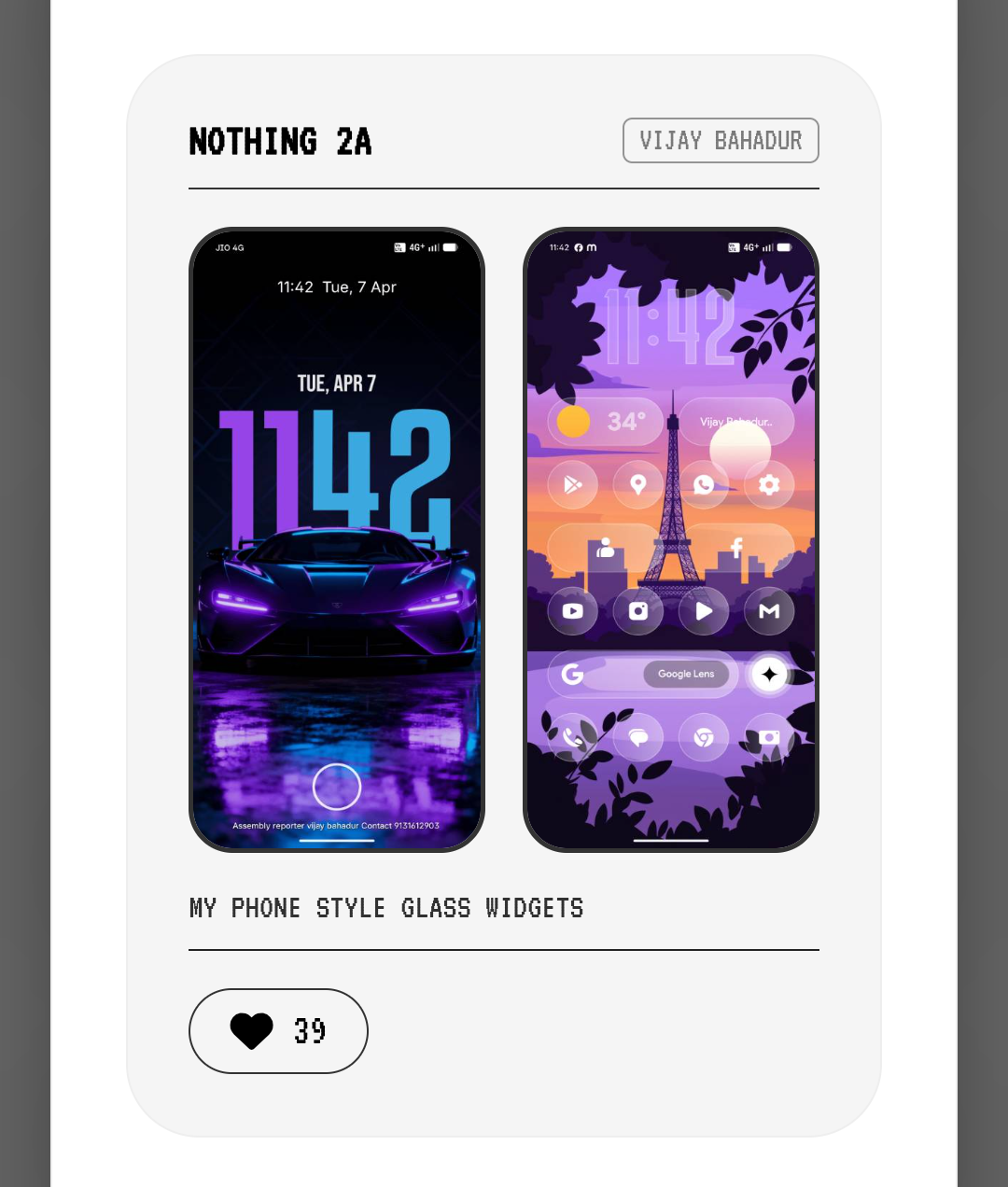
Setups & Layouts
Share your home or lock screen setups with details on icons and widgets. Users can download wallpapers and upvote layouts, with top-liked setups ranking automatically. Recent and Top buttons are now available. Please ensure correct categorization and include clear descriptions.
Camera Preset
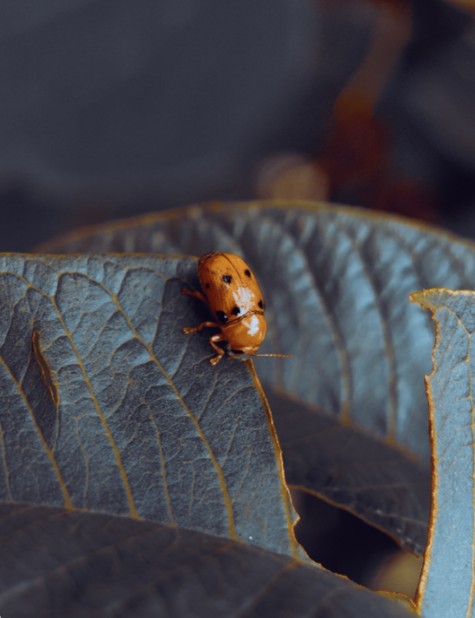
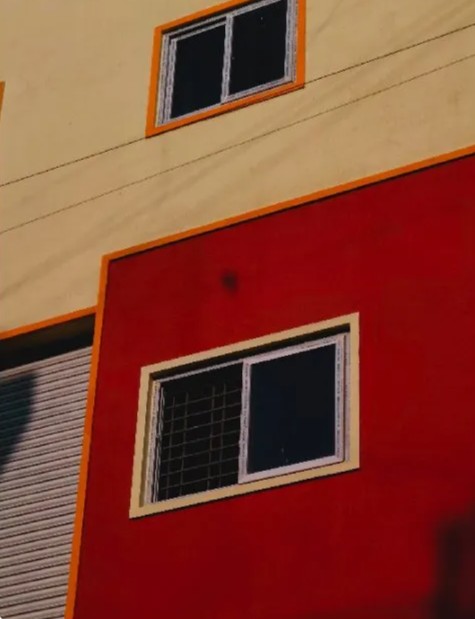
The ultimate powerhouse for Nothing Phone photography! Access 90+ professional camera presets in one definitive database. We’ve gathered the best community-crafted filters—previously scattered across threads—and organized them into a single, one-stop hub to supercharge your Nothing OS camera.
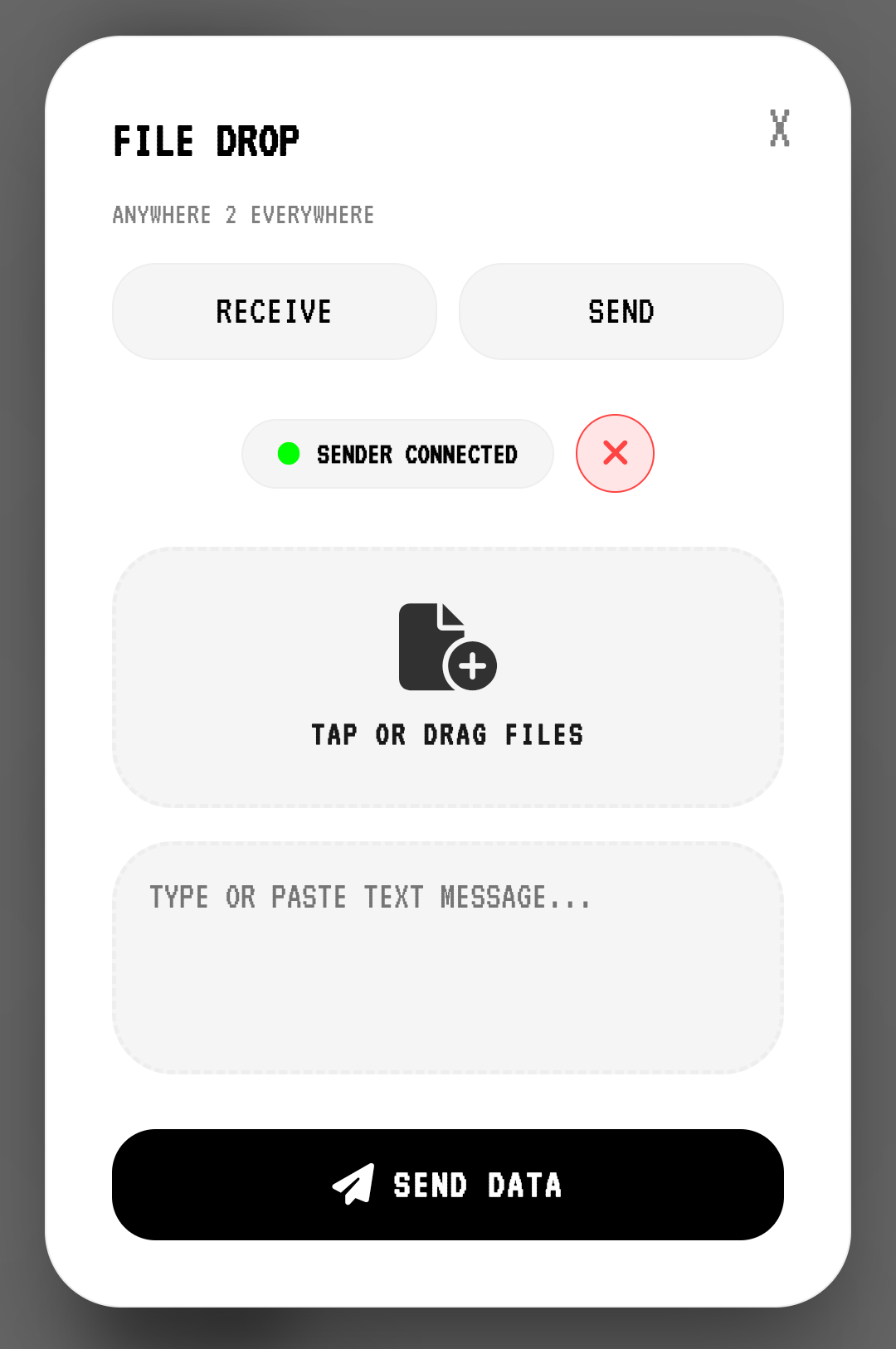
File Drop (P2P)
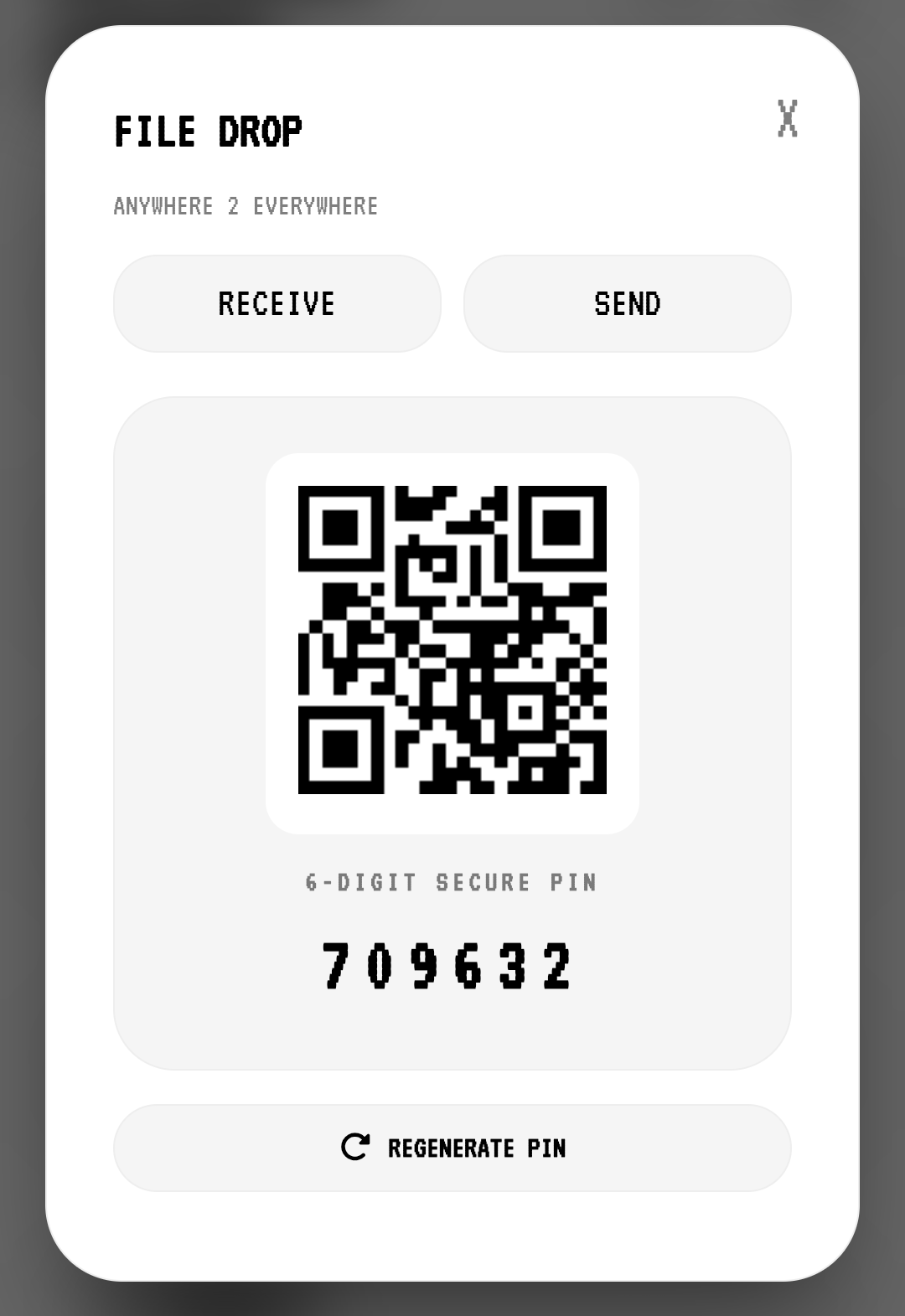
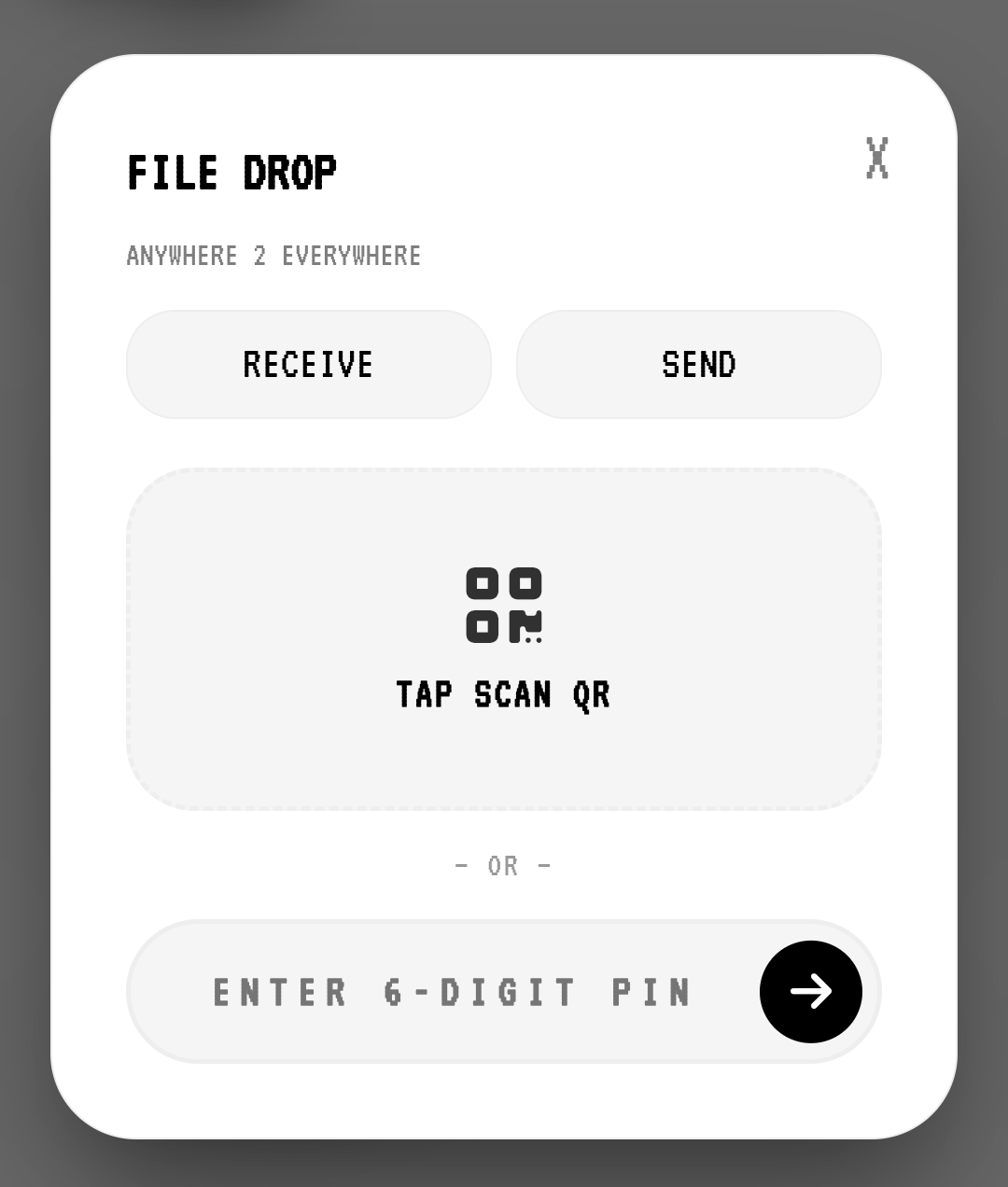
Share files and text directly between any devices, anywhere. It doesn't matter if you are on Android, iOS, or Windows. No need to be on the same network, same browser, or same location. Experience lightning-fast, secure peer-to-peer (P2P) transfers without uploading to any server. Zero compression, zero data collection. Just scan the QR or enter the PIN and drop.
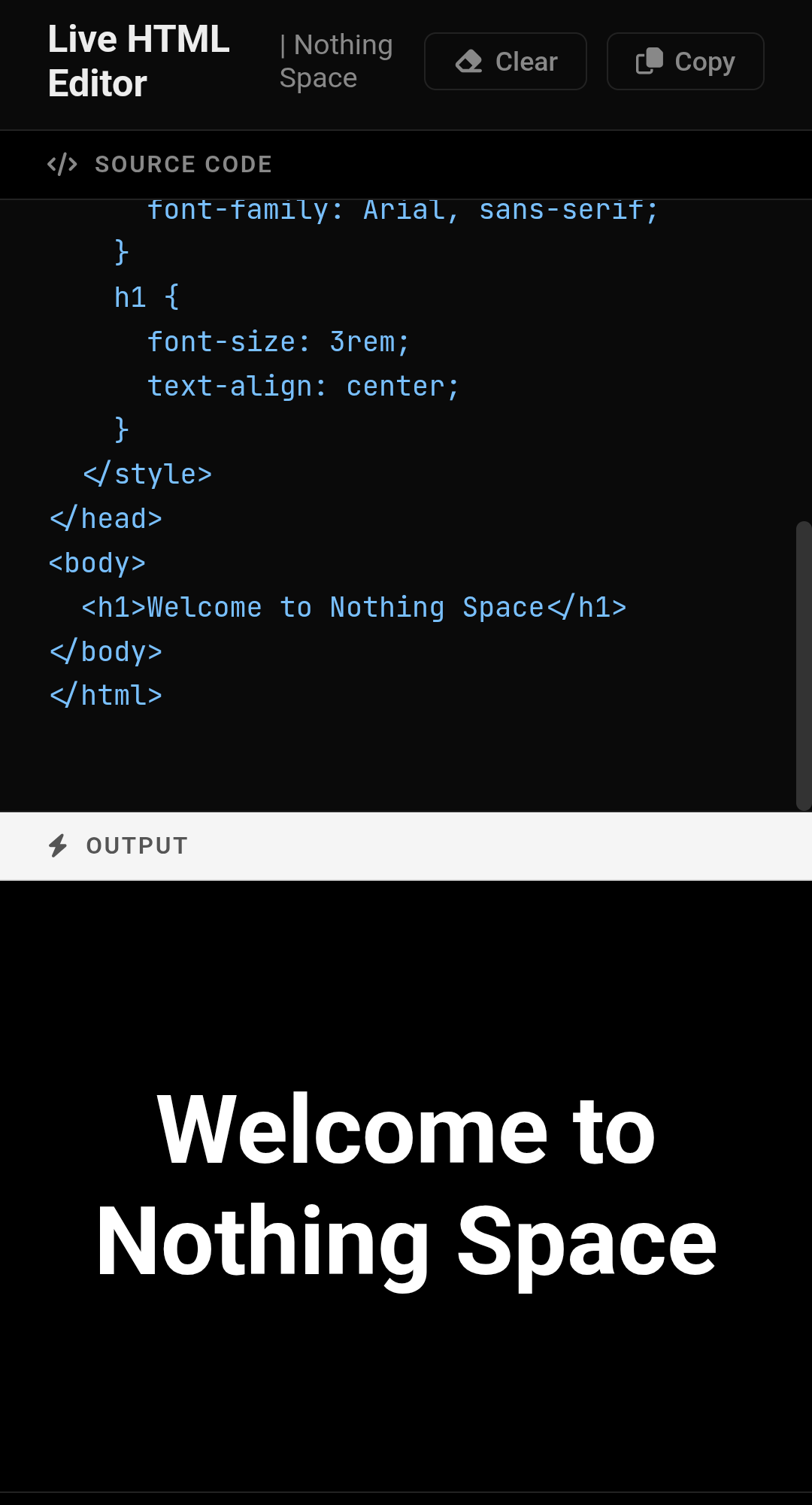
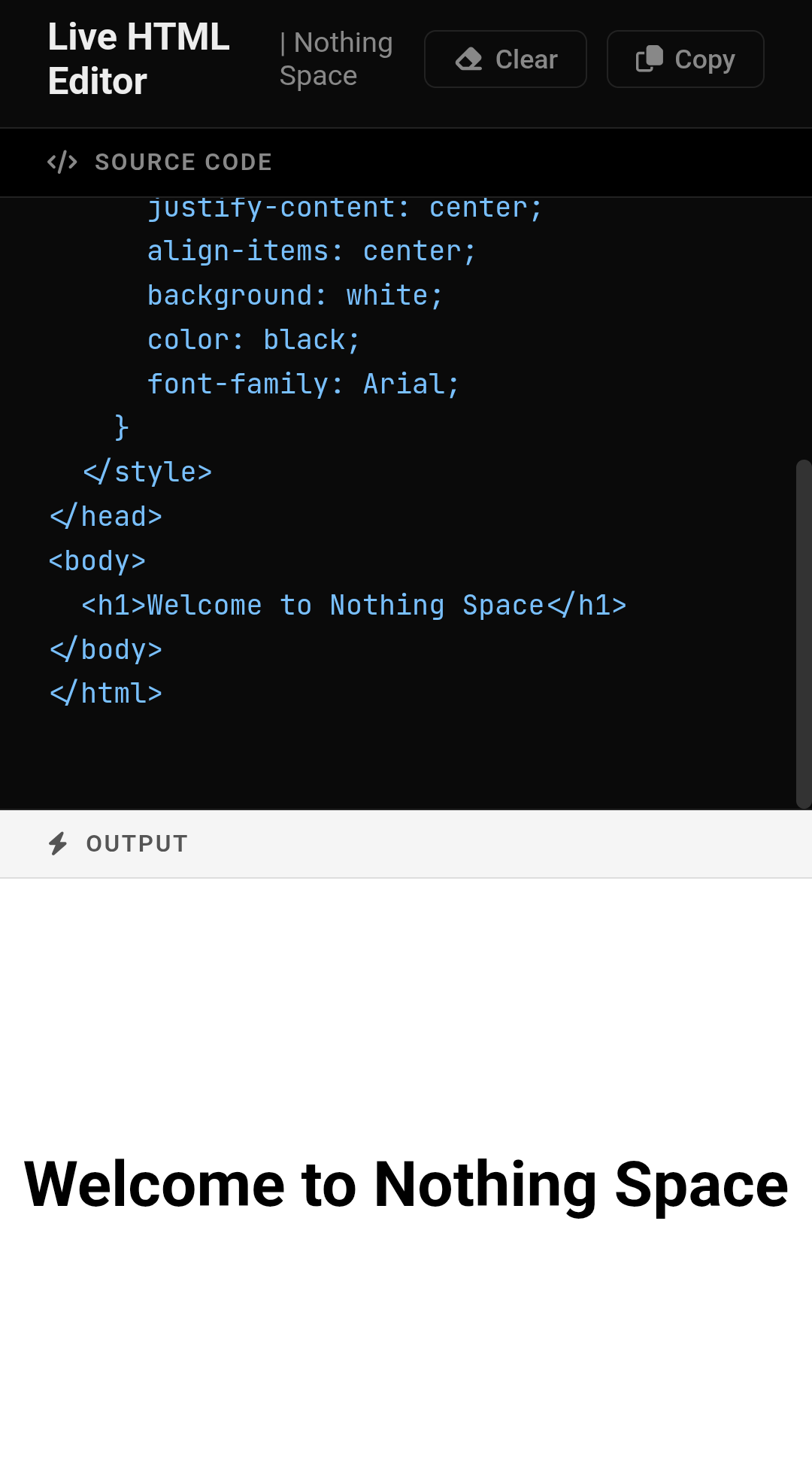
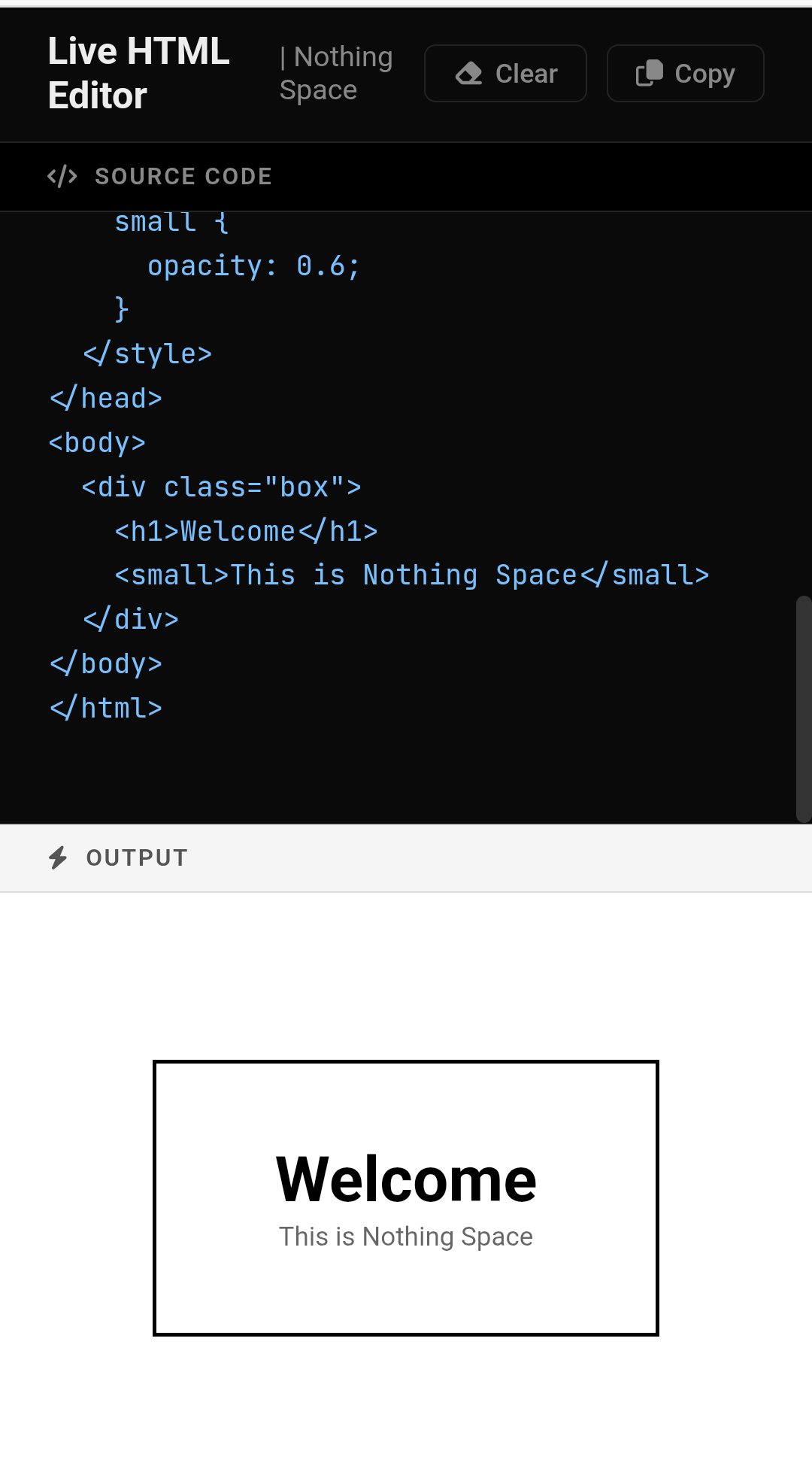
Code Space NEW
web development workflow with our Free Real-Time HTML/CSS/JS Editor. This powerful, browser-based playground allows you to write, test, and preview your code instantly with zero lag and no page reloads. Whether you're a beginner practicing syntax or a pro prototyping complex UI components, our live environment provides the perfect workspace to bring your web projects to life as you type.
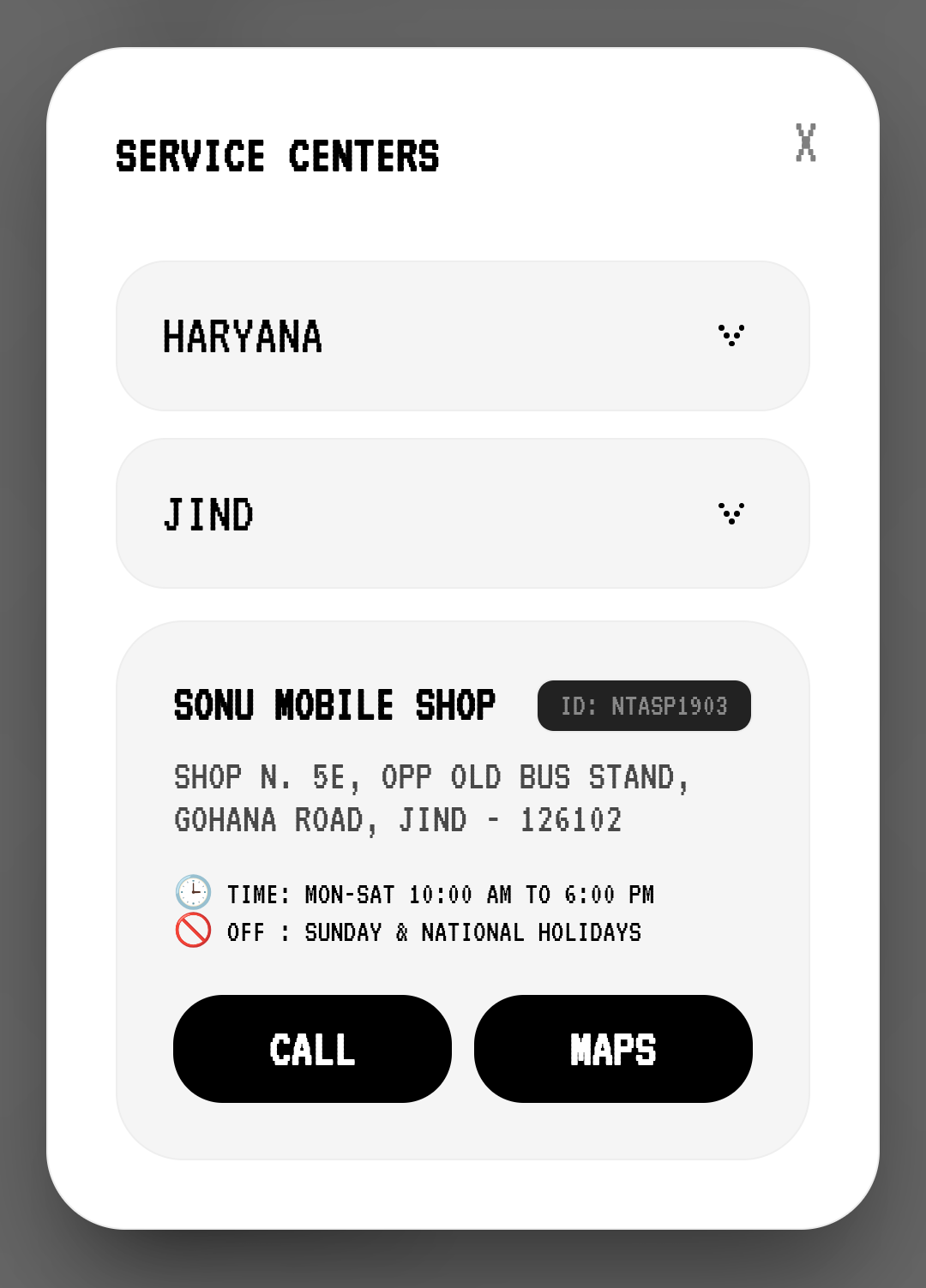
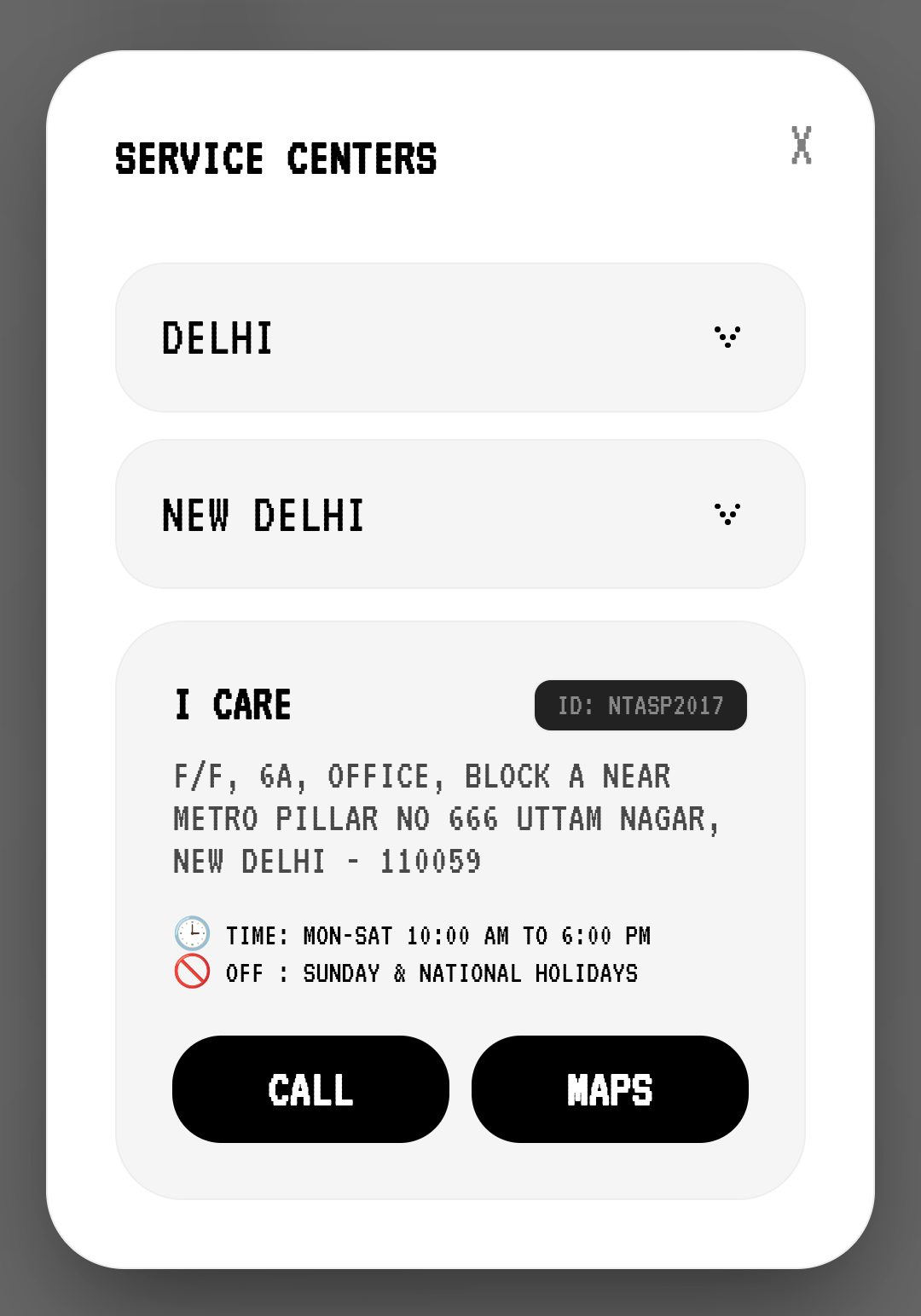
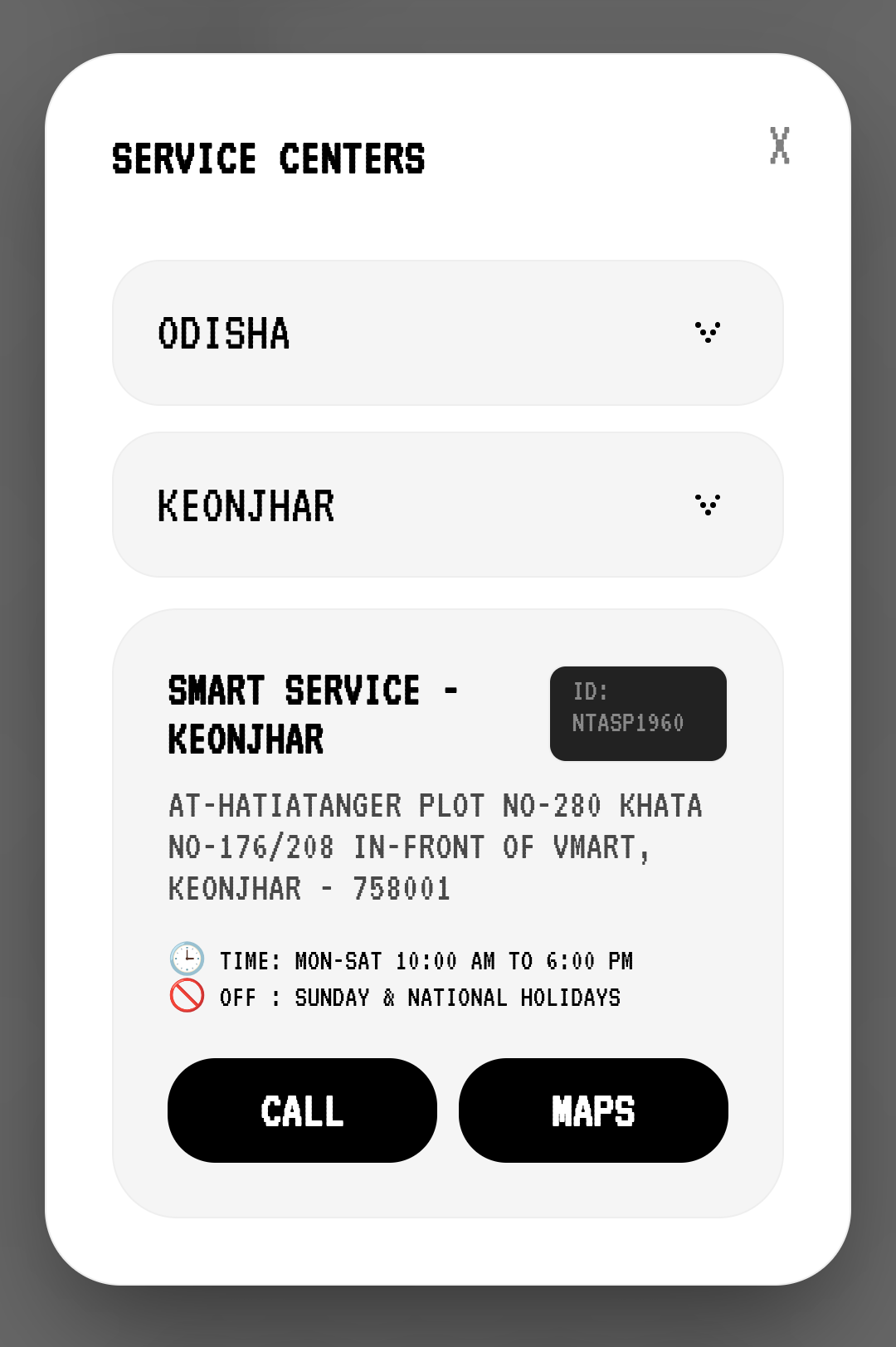
Service Locator
Easily locate the nearest authorized service center with our seamless one-tap Google Maps integration and direct call support. No more wasting time on manual searches or outdated listings—get precise addresses, real-time directions, and verified contact details instantly. Whether you need a quick repair or technical support, everything you need is just a single click away.
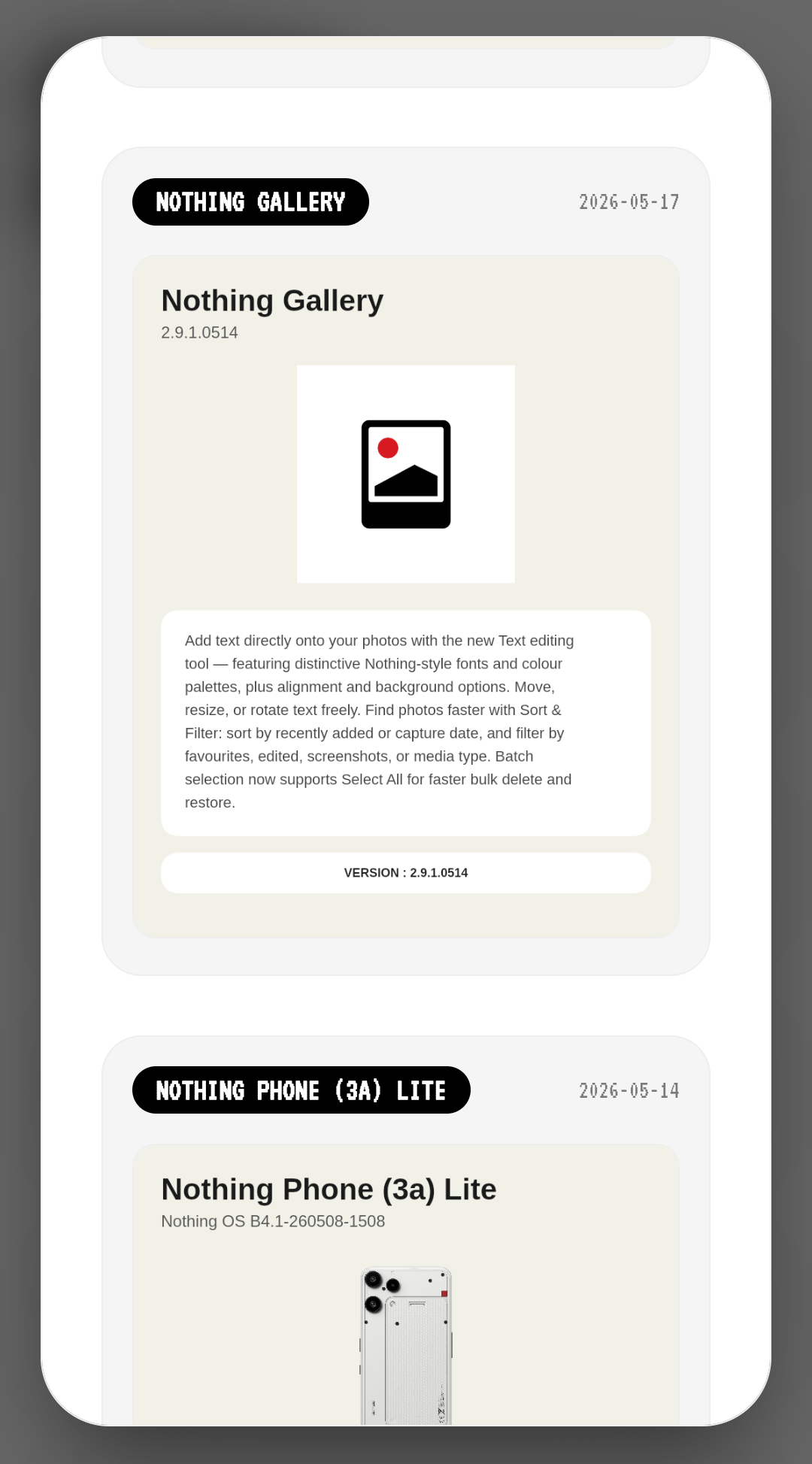
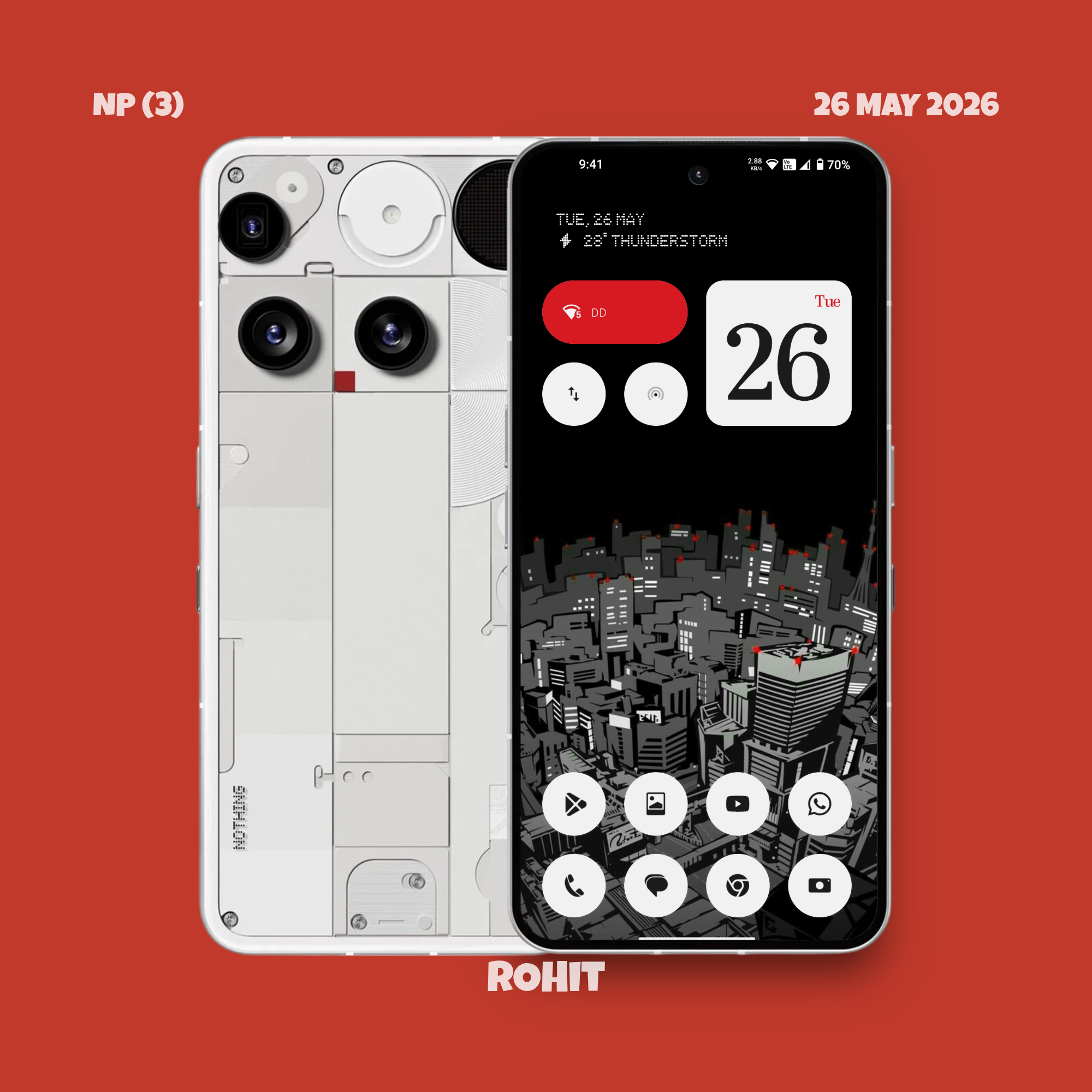
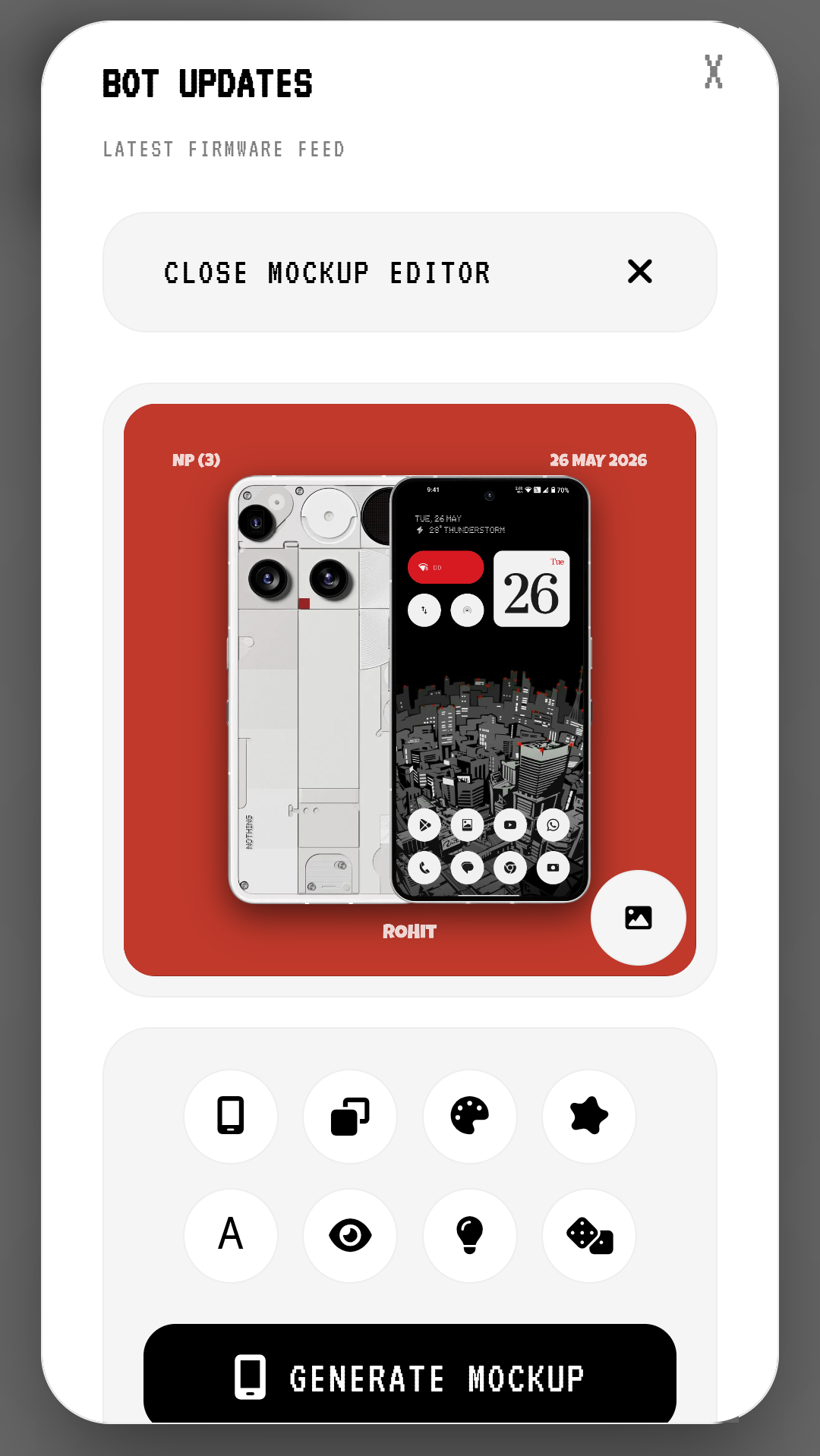
Mockup Editor & Firmware Feed LATEST
Generate customized, high-fidelity device mockups with our real-time interactive visual workspace. Keep perfect track of your device logs alongside our live firmware feed, tracking the absolute latest OTA builds and system rollouts directly inside the dynamic dashboard.
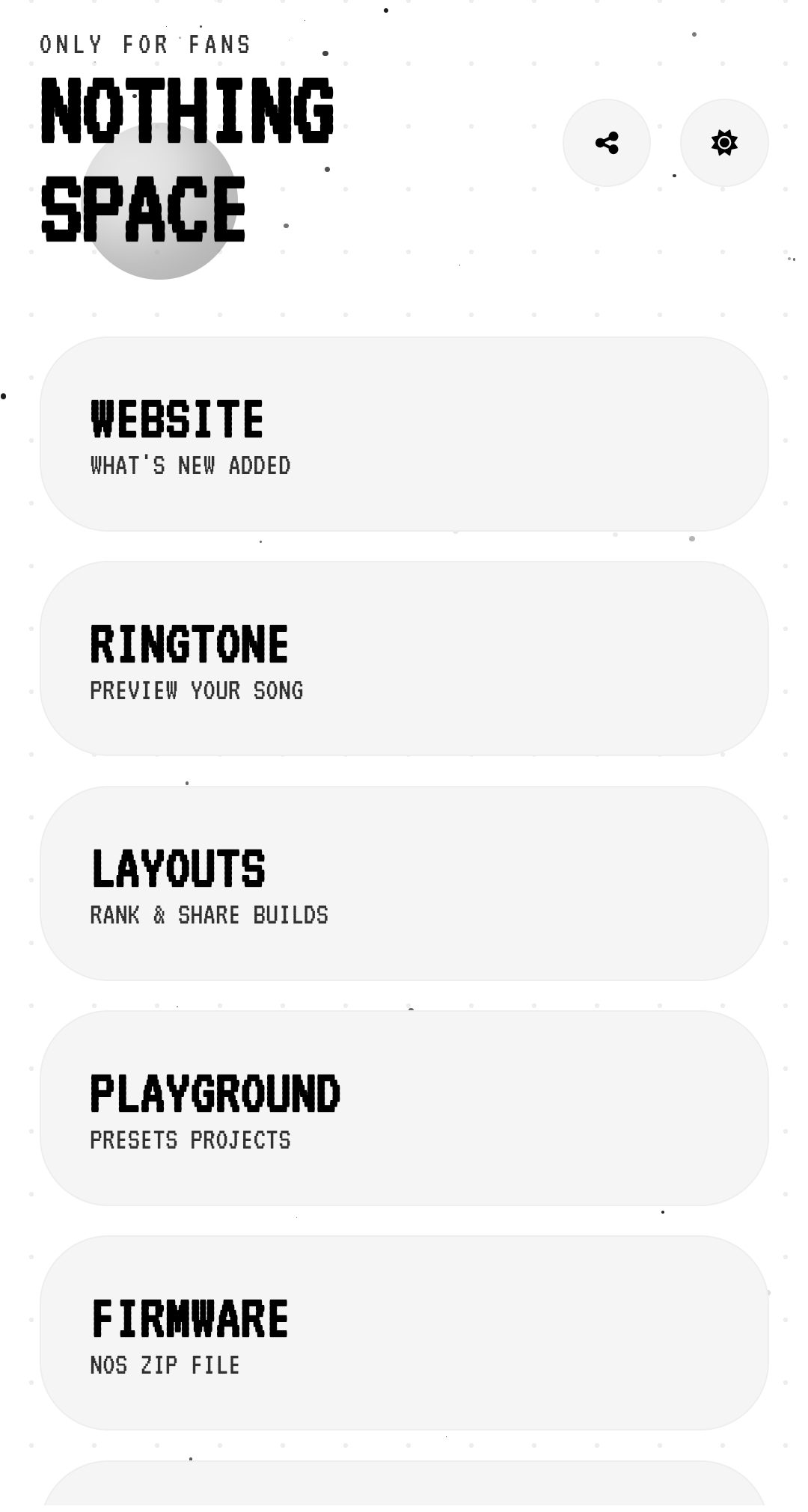
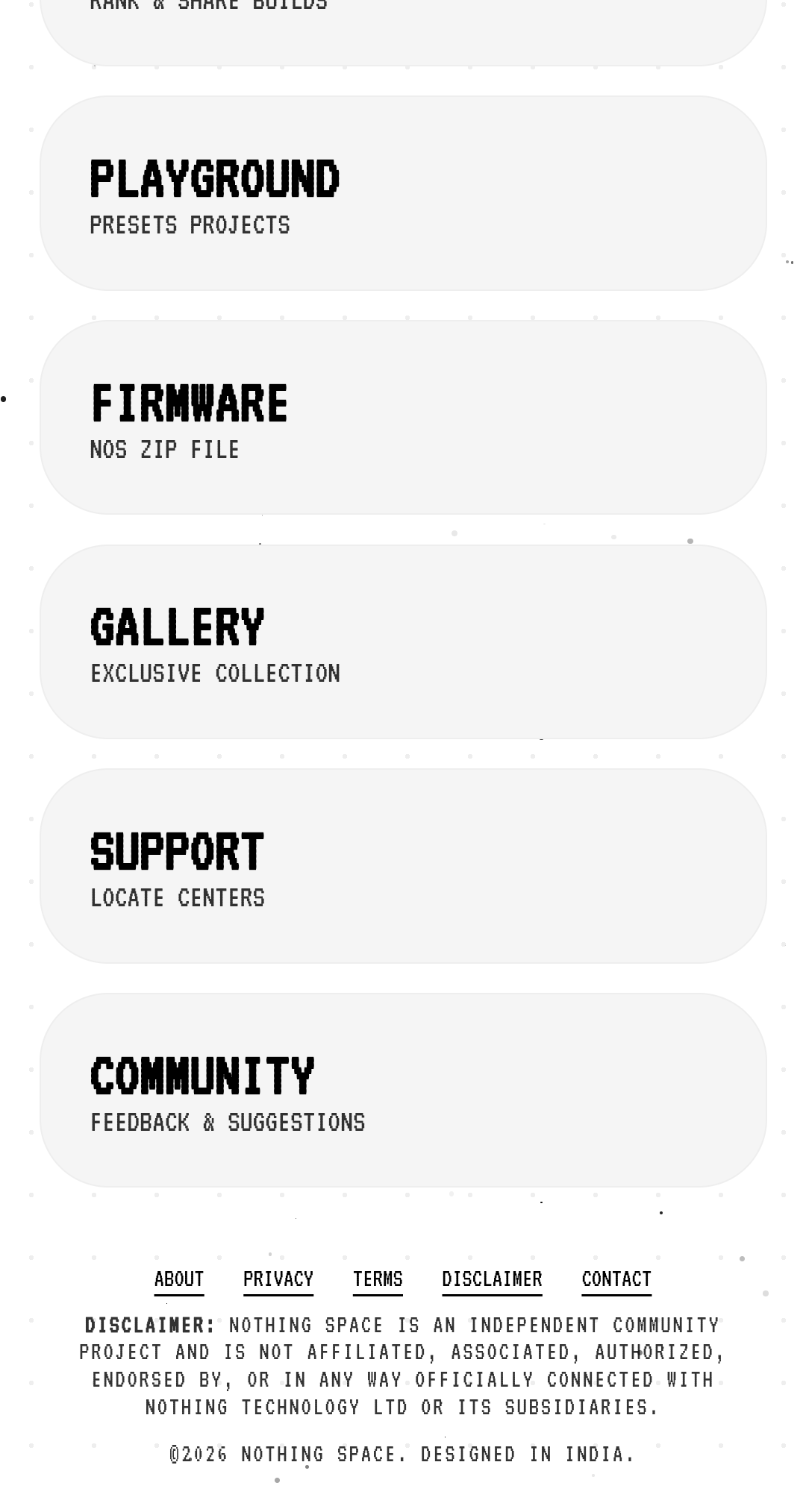
The Community Hub
Nothing Space is an all-in-one hub for Nothing & CMF users with depth effect KLWP theme, service centre info, wallpapers, ringtones, tools, firmware, OTA ZIP updates, camera presets, customization, apps, downloads, guides, products, community projects, live html editor and the latest Nothing updates.
📖 The Ultimate OTA & Firmware Guide
Are you tired of waiting for the staged rollout of the latest Nothing OS? Here is how you can use the files from Nothing Space to update your device manually.
Method 1: The Local Update Tool (Safest Method)
This method uses the hidden offline updater built into Nothing OS. It does not require a PC or unlocking the bootloader.
- Download the correct OTA Update ZIP for your specific phone model from the Nothing Space Firmware.
- Open your phone's File Manager and create a new folder named
otadirectly in the root of your internal storage. - Move the downloaded
.zipfile into thisotafolder. - Open your phone's dialer app and type the following USSD code:
*#*#682#*#* - The hidden Offline Update Tool will launch. It will automatically detect the ZIP file.
- Tap on the file and select "Proceed". Do not restart your phone manually; it will reboot once the installation is complete.
Method 2: ADB Sideloading (For Advanced Users)
Use this if your phone is stuck in a bootloop or you cannot access the OS.
- Download the OTA ZIP to your PC from Nothing Space.
- Install minimal ADB & Fastboot drivers on your PC.
- Boot your Nothing Phone into Recovery Mode (Hold Volume Down + Power).
- Select “Apply update from ADB”.
- Connect your phone to the PC via the original Type-C cable.
- Open Command Prompt on your PC and type:
adb sideload <filename>.zip - Wait for the percentage to reach 100%, then select "Reboot system now".
🎨 How To Apply Depth Effect KLWP Themes
Give your Nothing Phone that premium iOS-style depth effect where the subject of the wallpaper overlaps the clock.
- Install KLWP Live Wallpaper Maker Pro from the Google Play Store.
- Download your favorite Depth Effect theme file (
.klwp) from the Nothing Space KLWP Themes. - Open the KLWP app, grant necessary storage and location permissions.
- Tap the menu icon (top left) ->Load Preset.
- Tap the folder icon at the top and locate the downloaded
.klwpfile from Nothing Space. - Once loaded, tap the "Save" icon (floppy disk) at the top right.
- Set KLWP as your default Home and Lock Screen wallpaper. Enjoy the magic!
❓ Frequently Asked Questions (Mega FAQ)
Q1: What exactly is Nothing Space?
A: Nothing Space (nothingtools.github.io) is a community-driven, all-in-one web portal. We provide everything a Nothing or CMF device owner needs: OTA updates, firmware files, KLWP themes, GCam ports, service center locators, and P2P file-sharing tools.
Q2: Are the OTA updates and firmware files safe?
A: Yes! All OTA ZIP files linked on Nothing Space are sourced directly from Nothing Technology Limited's official servers or trusted community dumps. We provide MD5 checksums so you can verify the integrity of the file before flashing.
Q3: Does updating manually via Nothing Space void my warranty?
A: No. Sideloading official Nothing OS OTA files using the built-in offline updater (*#*#682#*#*) is an official method and does not void your warranty or wipe your data. However, unlocking your bootloader will.
Q4: Why am I getting an "Update Installation Failed" error?
A: This usually happens if you try to flash a downgrade package over a naye OS without wiping data, or if you downloaded the wrong region's firmware (e.g., flashing Global firmware on an EEA device). Always double-check your model number on Nothing Space.
Q5: How does the File Drop (P2P) feature work?
A: It uses WebRTC. When you share a file, it creates a direct, encrypted tunnel between your device and the receiver's device. The file is never uploaded to Nothing Space servers, ensuring 100% privacy and infinite file size limits.
Q6: Can I submit my own custom wallpaper or KLWP setup?
A: Absolutely. We are "Built Together". You can submit your setups, widgets, or wallpapers through our GitHub repository by opening a Pull Request, or via the submission form on the site.
Q7: Do you have tools for the new CMF Phone 1?
A: Yes! Nothing Space fully supports the CMF Phone 1. We have dedicated sections for CMF wallpapers, firmware, and guides on how to 3D print custom backplates.
Q8: Are the Camera Presets better than the stock Nothing Camera?
A: Stock camera is great, but our GCam (Google Camera) XML presets are tweaked specifically for Nothing’s IMX sensors to provide better HDR+, natural skin tones, and superior low-light astrophotography.
Q9: How do I find the nearest Nothing Service Center?
A: Simply navigate to the Locator tool on Nothing Space. Select your state and city, and it will instantly provide the address, phone number, and Google Maps directions to the nearest authorized service center in India.
Q10: Is this website officially affiliated with Nothing Tech?
A: No. Nothing Space is an independent, open-source, community-led project created by enthusiasts (shoutout to Rohit). We are not officially affiliated with Carl Pei or Nothing Technology Limited. All copyrights belong to their respective owners.
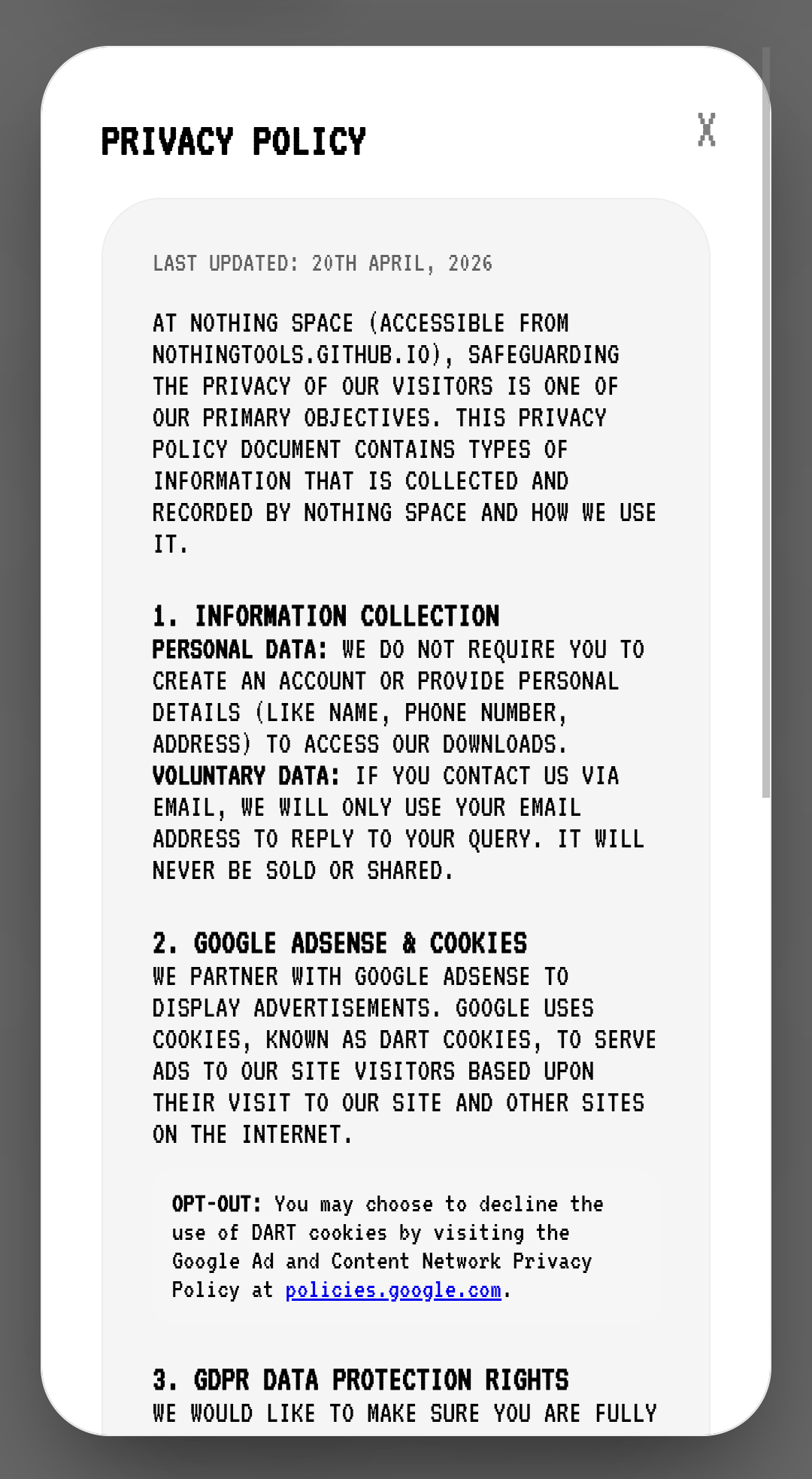
🛡️ Privacy Policy & Data Sovereignty
Transparency Protocol for the Nothing Space Hub
Project:NOTHING SPACE
Classification: Public Domain / Community Resource
Philosophy: Privacy is not a feature; it is the foundation. Nothing Space is engineered to provide a 100% anonymous environment.
📂 1. The Zero-Data Collection Framework
We do not operate on a "User-Data-First" model. We have built a "Zero-Retention" architecture.
- No Authentication Layers: We intentionally avoided login systems. You are an anonymous visitor.
- No Profile Building: We cannot build a behavioral profile based on the themes or firmwares you download.
- Hardware Anonymity: We do not collect specific device details like IMEI, MAC addresses, or your Nothing OS version.
📂 2. Technical Infrastructure of File Transmission
Our File Drop module utilizes the WebRTC protocol.
- Encrypted Tunneling: An end-to-end encrypted (SCTP/DTLS) tunnel is established between peers.
- Immediate Termination: Once the transfer hits 100%, the virtual tunnel collapses. All temporary session data is wiped. No files touch our servers.
🍪 3. Advertising & Monetization Policy
To keep Nothing Space free and active, we utilize Google AdSense.
- The DART Cookie: Google uses cookies to serve ads based on your visit.
- User Sovereignty: You are in control. You can disable these cookies via your browser's Ad Settings. Revenue is strictly reinvested into domain maintenance and development.
⚠️ Troubleshooting & Error Codes
Having issues? Check our quick troubleshooting guide before heading to the service center.
- Bootloop after OTA Update: If your phone is stuck on the Nothing logo, boot into Recovery Mode (Volume Down + Power) and select "Wipe Data / Factory Reset". Note: This will erase local data.
- Offline Updater not showing ZIP: Ensure the file is named ending in
.zipand is placed exactly inside a folder namedotain the root directory. Ensure the file isn't corrupted by checking the file size. - KLWP touch actions not working: Make sure you have removed the stock app icons from your home screen. KLWP elements sit behind standard Android icons.
📚 Glossary of Nothing OS Terms
- OTA (Over-The-Air): The standard method of delivering software updates wirelessly.
- Glyph Interface: The unique LED lighting system on the back of Nothing phones.
- Sideloading: The act of installing an app or OS update manually via a file, rather than through official automated channels.
- EEA / Global / IND: Different regional firmware branches. (EEA = Europe, IND = India). Always flash your specific region.
- KLWP: Kustom Live Wallpaper. A powerful engine used to create complex, animated, and interactive wallpapers.
⚖️ Master License & Terms of Use
🛡️ Copyright (c) 2026 Nothing Space | Central Hub: Nothing Space
✅ 1. Permissions Granted
- Use: Access and use the platform and its tools for personal purposes freely.
- Modify: Fork the repository to learn from the HTML, CSS, and JS architecture.
- Distribute: Share the original links to
nothingtools.github.ioon forums, Reddit, or Discord.
🚫 2. Strict Restrictions
- No Commercialization: You may not monetize, run ads against, or use any part of this project's custom code (like the WebRTC logic) for commercial gain without written permission.
- No Plagiarism: You may not clone the website, alter the branding, and claim the Nothing Space tools as your own.
⚠️ 3. Disclaimer for Firmware & OTA Updates
- WARNING: This platform provides direct links to firmware, OTA ZIP updates, and custom presets. All modifications are done at your own risk. Nothing Space and its contributors are NOT responsible for any bricked devices, voided warranties, bootloops, data loss, SD card degradation, or hardware damage.